Music and sound the whole table hears together
FreeSharing a Spotify link and saying "press play now" is not audio design. RollQuest plays music and sound effects from inside the table, so every player hears the same thing at the same moment. The tavern hum, the dragon's roar, the drums that start when the fight does.
Music and sound effects for a virtual tabletop
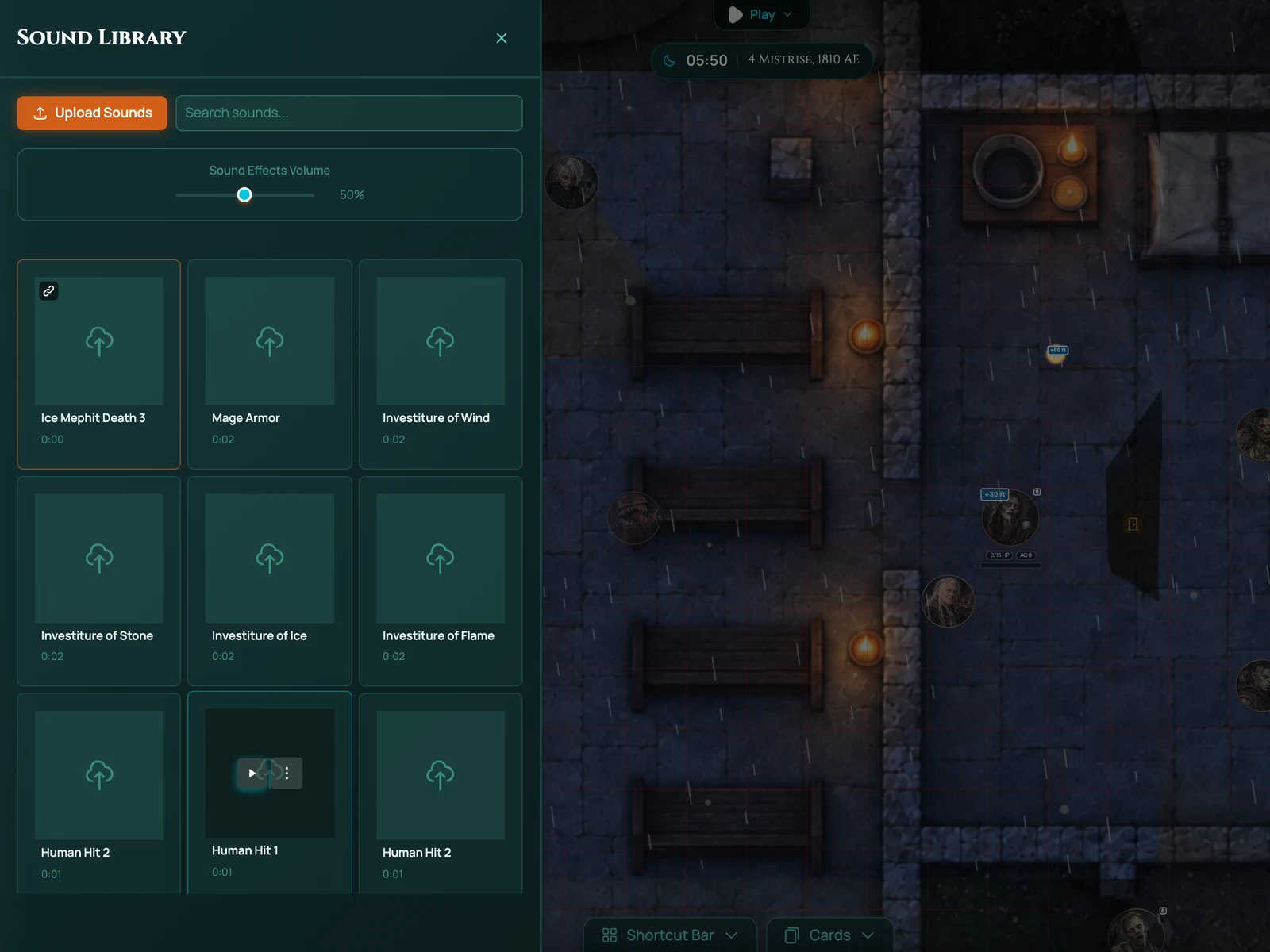
There are two panels. The Music Library holds longer tracks: ambient loops, themes, tension beds. Assign a track to a scene and it plays when the scene loads. The Sound Library holds effects: a door, a sword, thunder, a crowd. Tag them, search them, fire them with a click.
Each player controls their own volume. The GM controls what plays. Nobody has to ask "is the music still going for you?"
How it works in RollQuest
Upload your own tracks or use the ones RollQuest provides. Open a scene, pick its background music. Open the Sound Library and mark a handful of effects as favourites so they're one click away during play.
Doors can carry a sound. Attach a creak to a door and it plays whenever the door opens, for everyone. It's a small thing that makes the map feel solid.
Battle music
Give a scene a battle track and it starts when Battle Mode starts, then stops when combat ends. The transition is the tell that the fight is on. Battle music is available on every plan.
Playlists
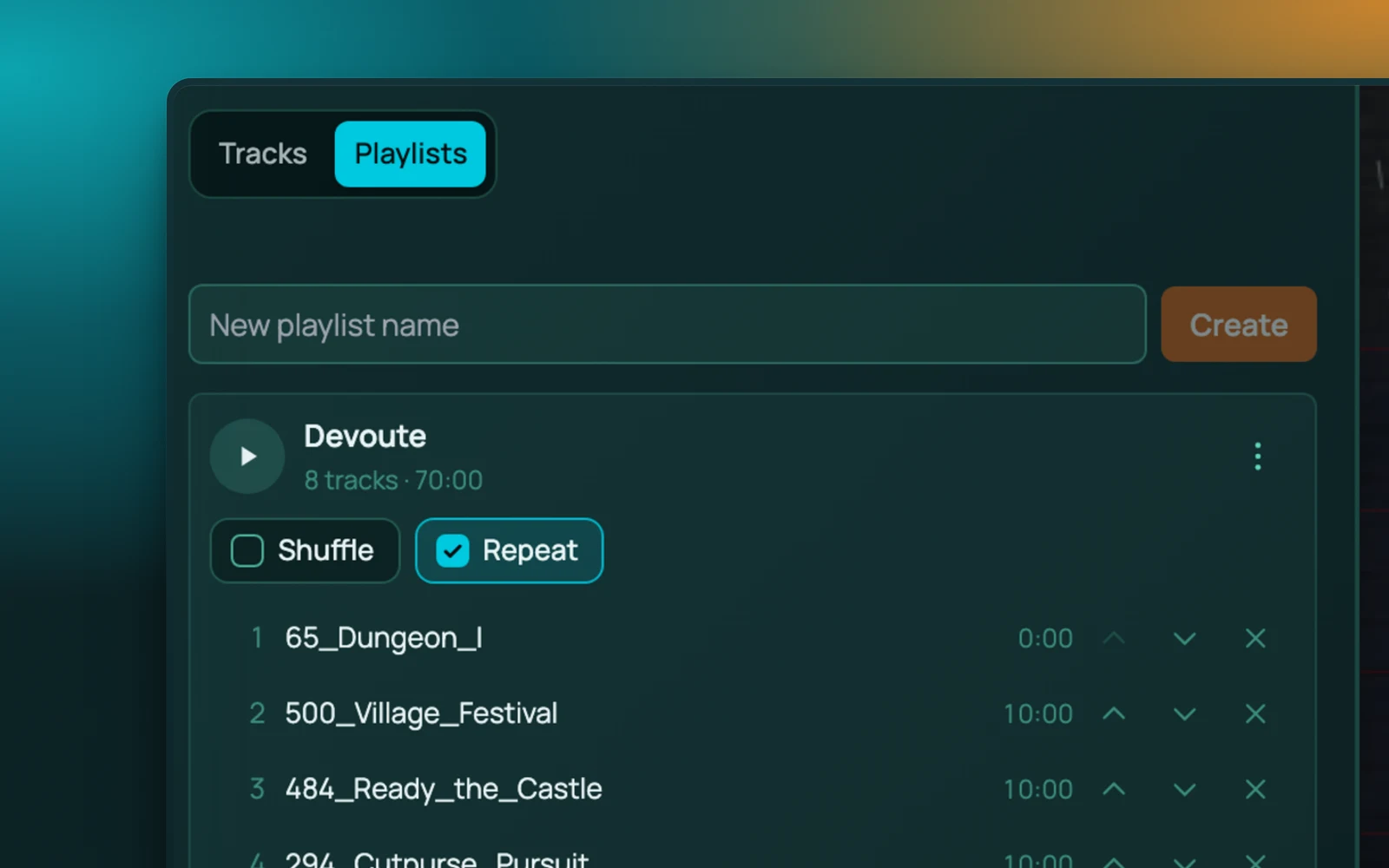
On Starter and Pro, build playlists: a set of tracks for the road, another for the city, another for the dungeon. Shuffle or in order. Switch playlists from the panel when the party moves on.
The point of a playlist rather than a track is that it keeps going. A single piece of scene music ends four minutes into a two-hour session and then you are the person fumbling for the audio panel while everyone waits. A playlist plays through on its own, so the music is something you set at the start of a scene and forget about.
Works with
Battle mode triggers battle music.
Dynamic lighting shares the doors that trigger sounds, so a door opening brings light and a creak together.
Templates carry their audio with them.
Frequently asked questions
Is audio free?
Yes. The music library, sound library, per-player volume, door-triggered sounds and battle music are all on the Free plan. Playlists are on Starter and Pro.
Can I upload my own music?
Yes. Upload tracks to your library within your plan's storage and per-file upload limit (5 MB per file on Free, 20 MB on Starter, 200 MB on Pro).
Is the audio synced?
Yes. When the GM starts a track or fires an effect, every player hears it at the same time.
Can players mute it?
Yes. Each player has their own volume control and can mute music and effects separately.
Does it work with Discord voice?
Yes. RollQuest audio plays in the browser tab; Discord voice runs alongside it. Players balance the two with their own volume.