Special Pricing for Founding Users - Lock in exclusive rates today!
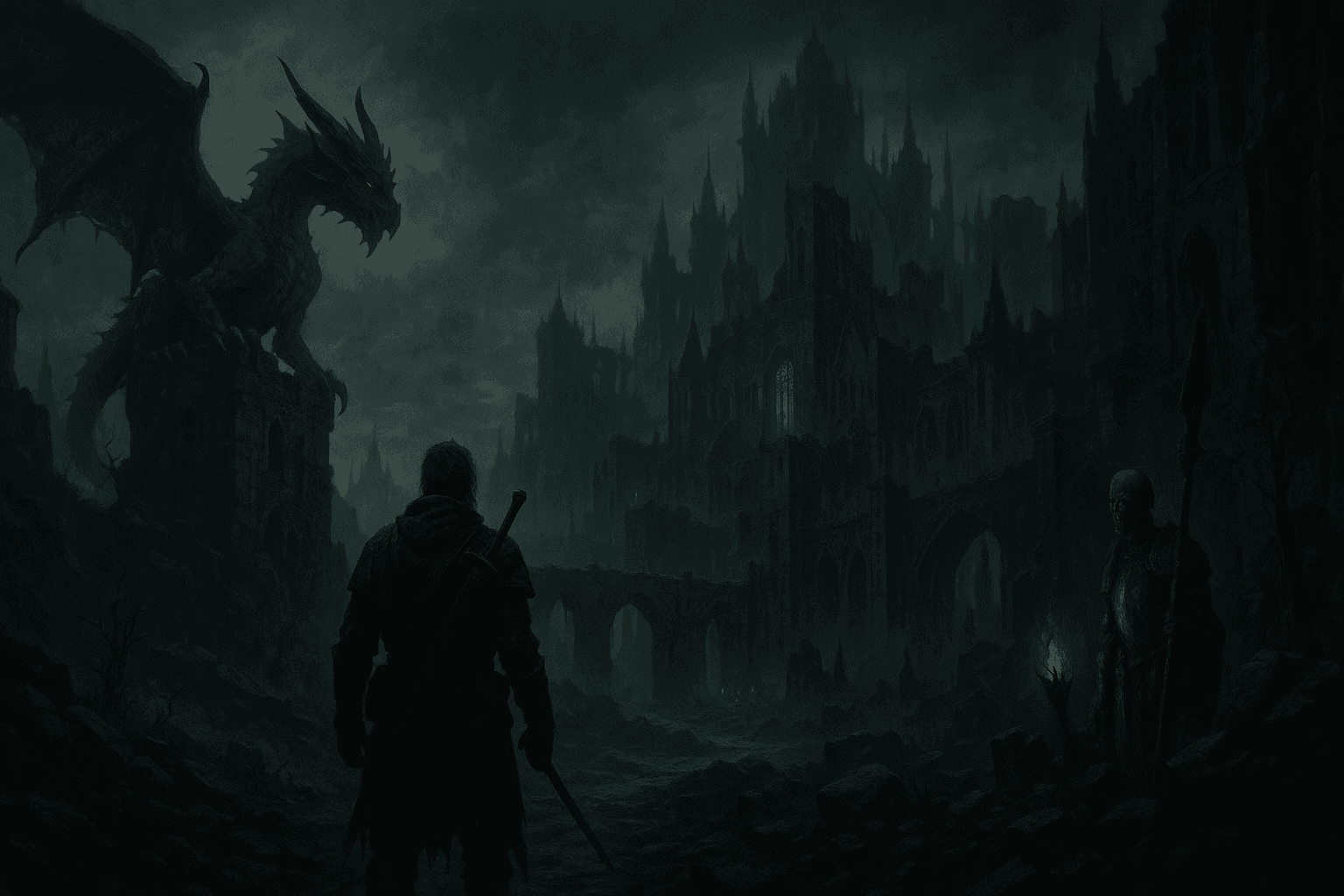
Your Next Adventure Awaits
A browser-based virtual tabletop (VTT) with 5e and 5.5e character sheets, 3D dice, dynamic fog of war and lighting, a combat tracker, a map builder, and a marketplace of ready-to-run campaigns. Everything syncs live. Nothing to download.
Everything your table needs, in one browser tab.
RollQuest is a full virtual tabletop for tabletop RPGs: character sheets, dice, fog of war, lighting, audio, combat, journals, cards and maps in one place. The core table is free. GM tools come with Starter and Pro. Easy enough for your first session, deep enough for your hundredth.
A virtual tabletop built for Game Masters and players
A virtual tabletop built for role-playing games. No downloads, no complicated configuration.
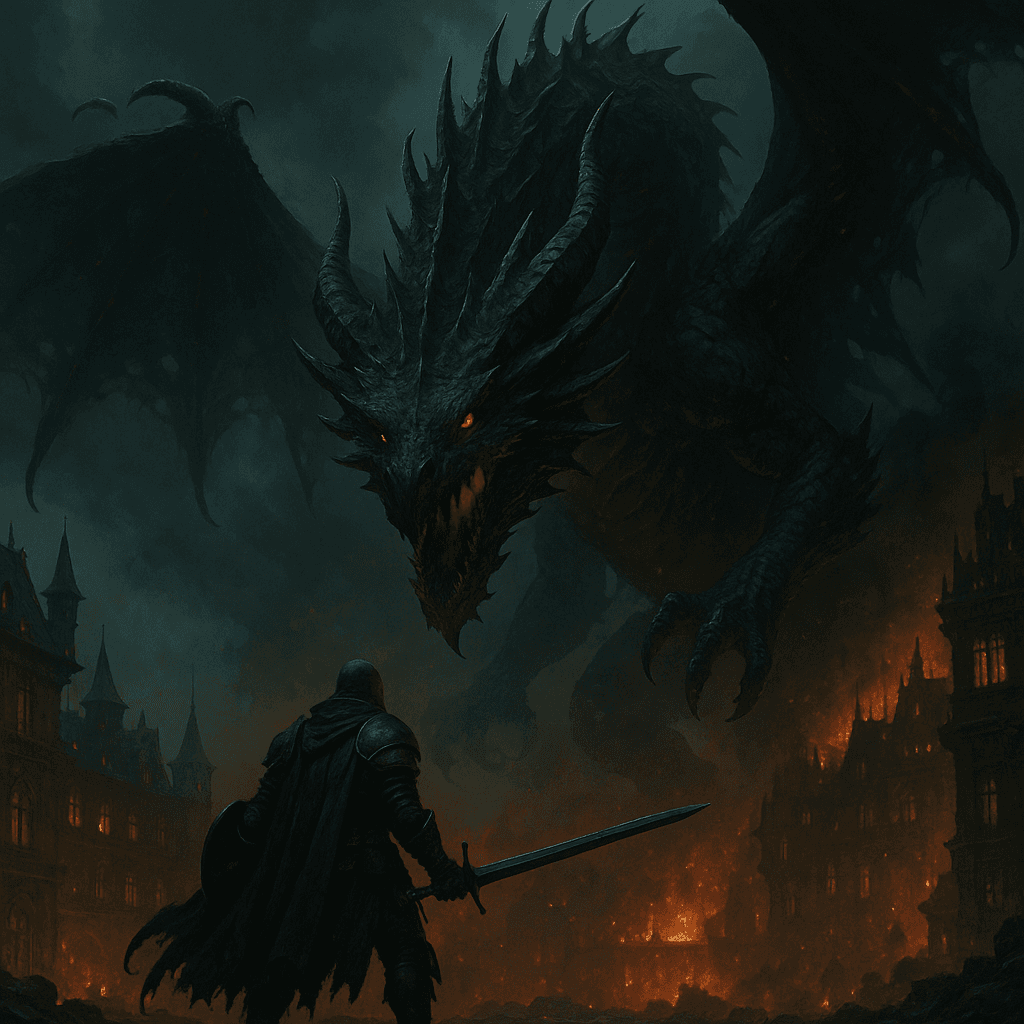
Get Started in Minutes
Sign in with Google or Discord, upload a map, and invite players with a link. Your first game can be running in under 5 minutes.
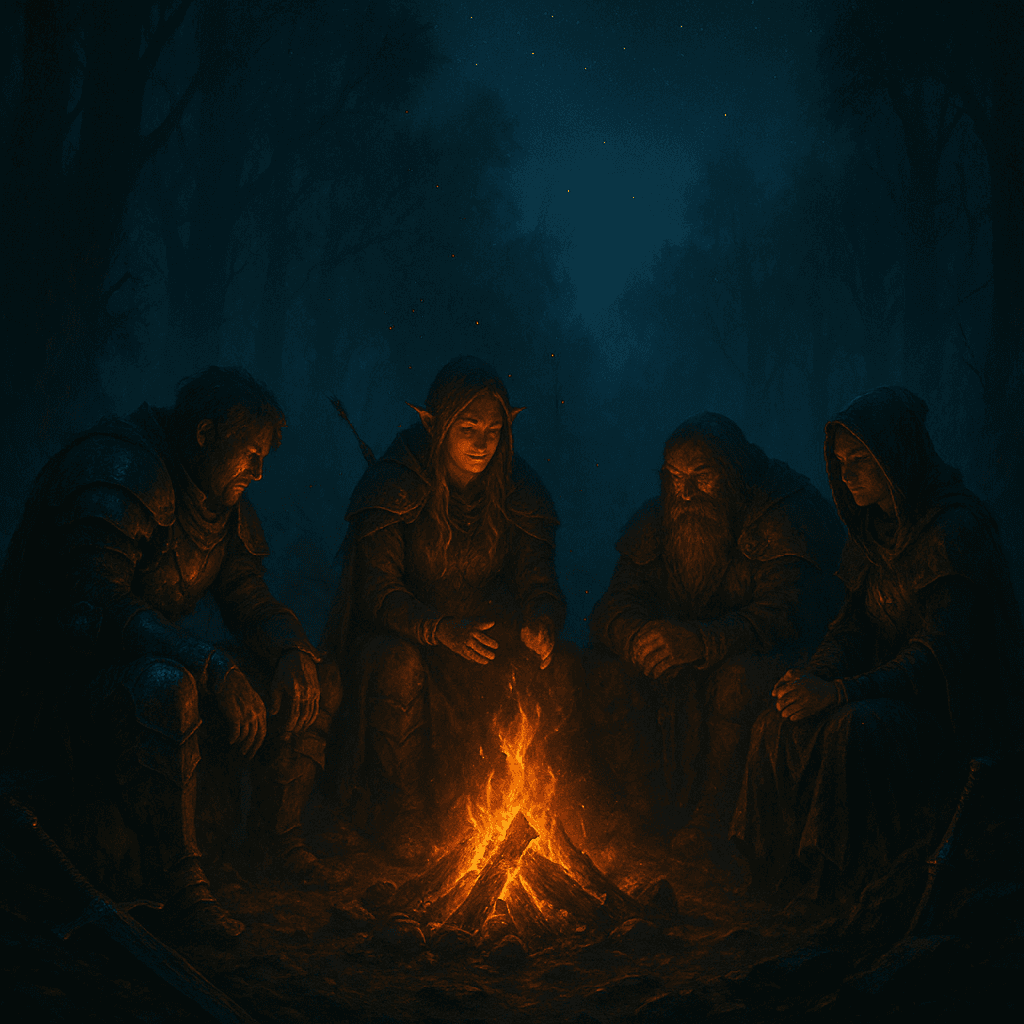
Bring Your World to Life
Dynamic fog of war, torchlight that moves with your tokens, scene-specific music, and 3D dice with actual physics. Doors creak when they open. Players only see what their characters can see.
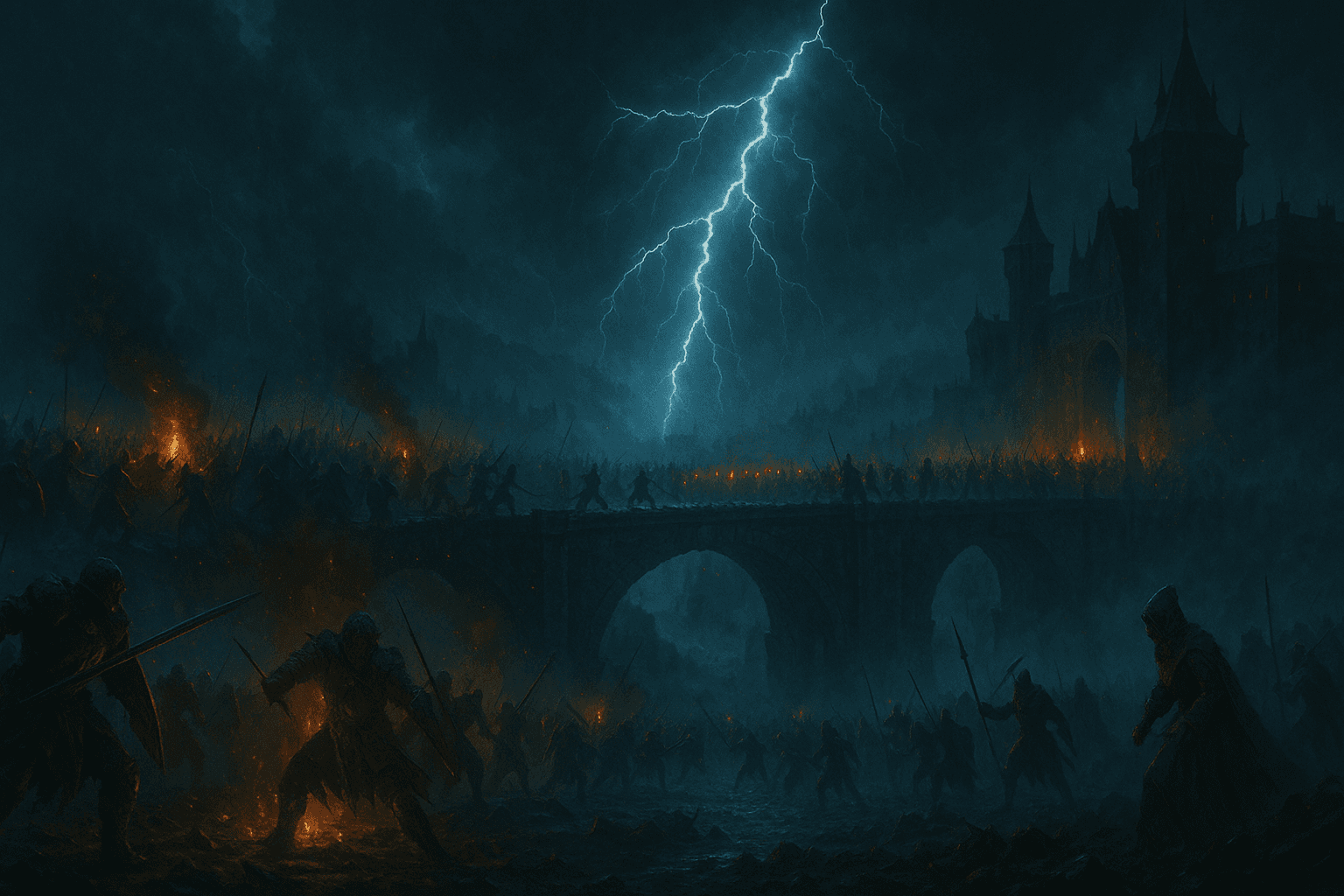
Intuitive by Design
Drag-and-drop tokens, 12 Quick HUD shortcuts, context menus, and character sheets that do the maths for you. Spend less time clicking, more time playing.
What's on the table
Built by two people who run games every week and got tired of fighting their tools.
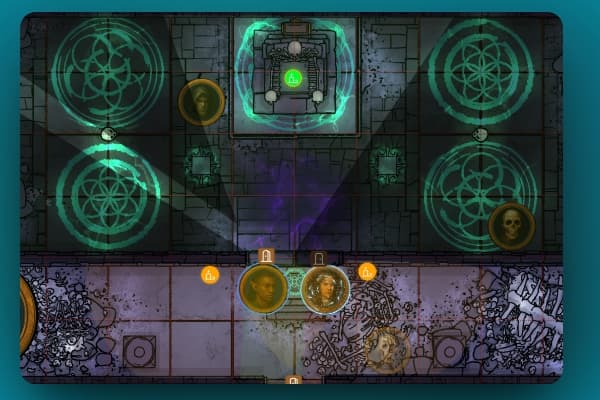
Dynamic Fog of War
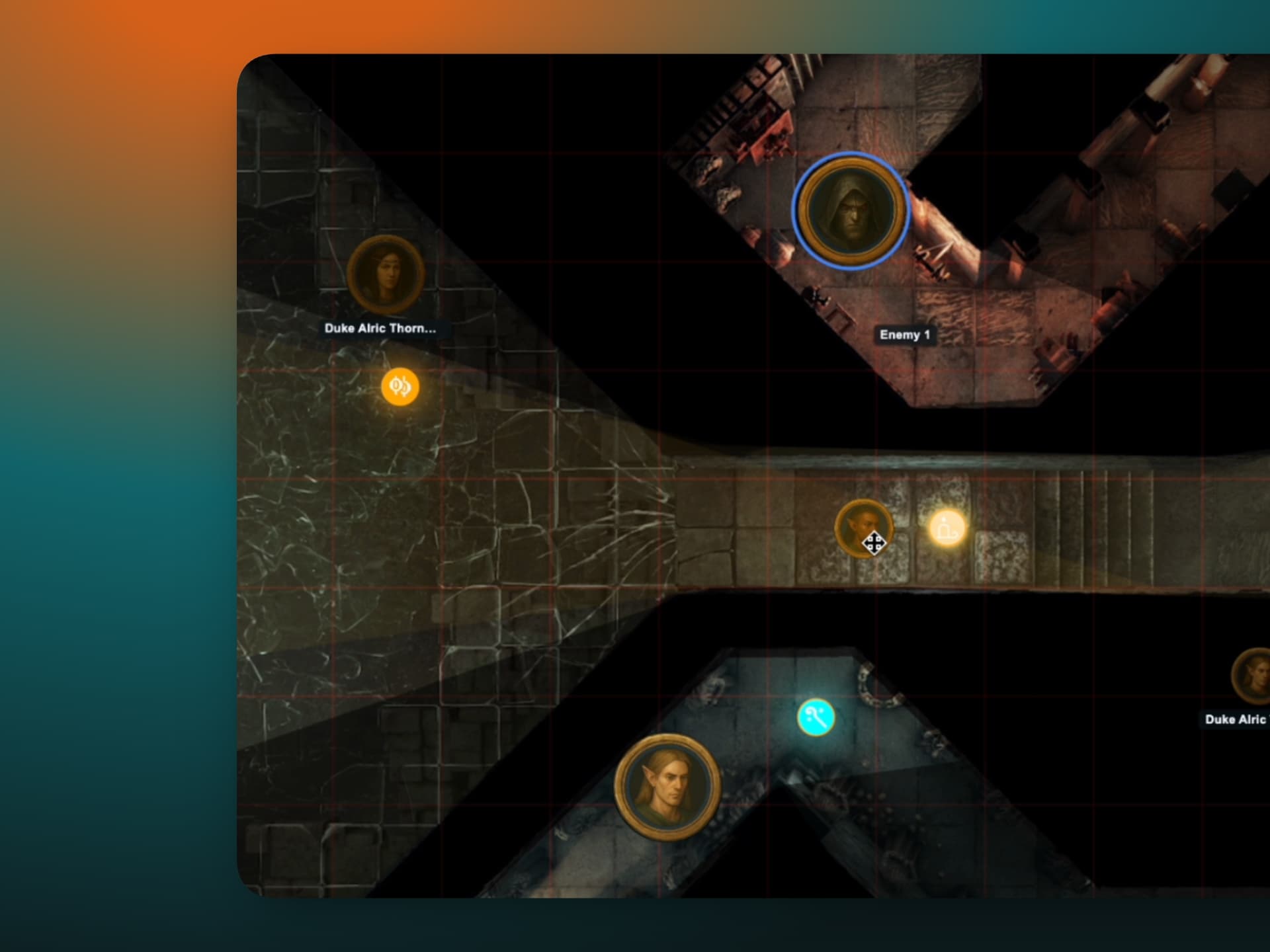
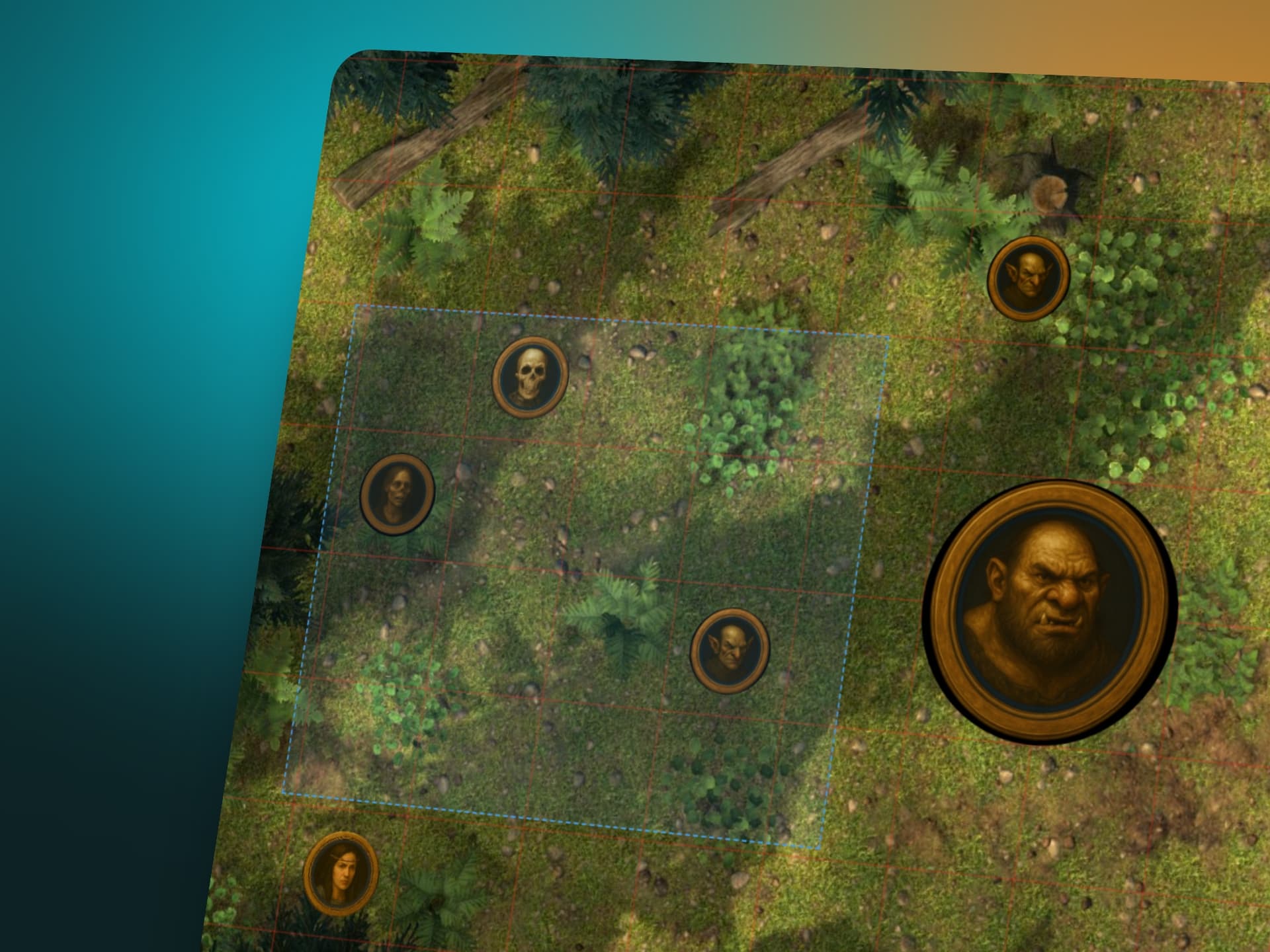
Control what players see with precision. Two modes: brush-based revealing for dramatic moments, and automatic line-of-sight calculated from walls, doors, and lighting in real time. Players keep a dimmed memory of areas they've explored, and the GM can inspect any player's exact view at any time.
- Real-time brush revealing
- Automatic line-of-sight with walls & doors
- Persistent exploration memory
- GM perspective switching (party view or any single player)
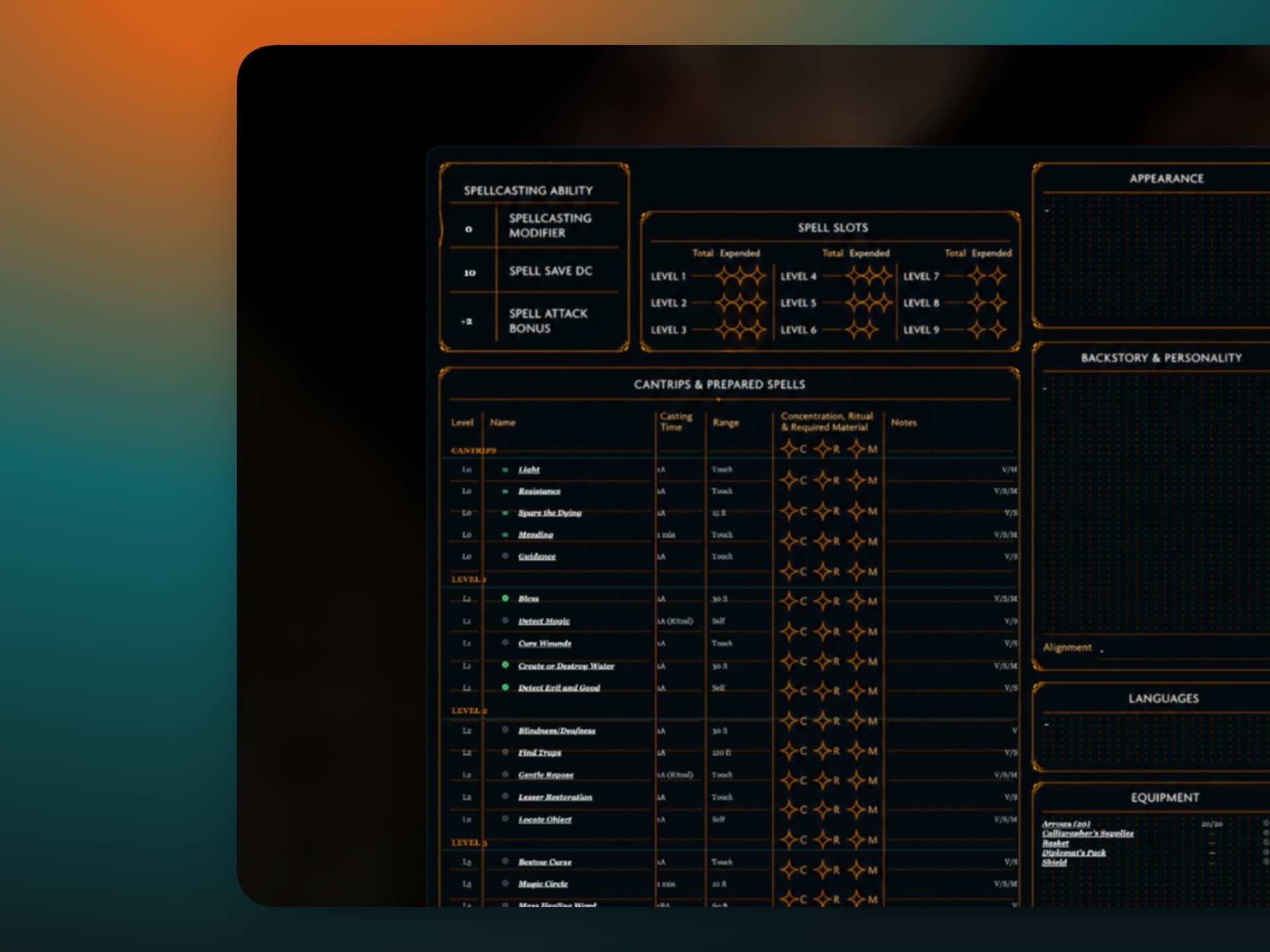
Character Sheets That Know the Rules
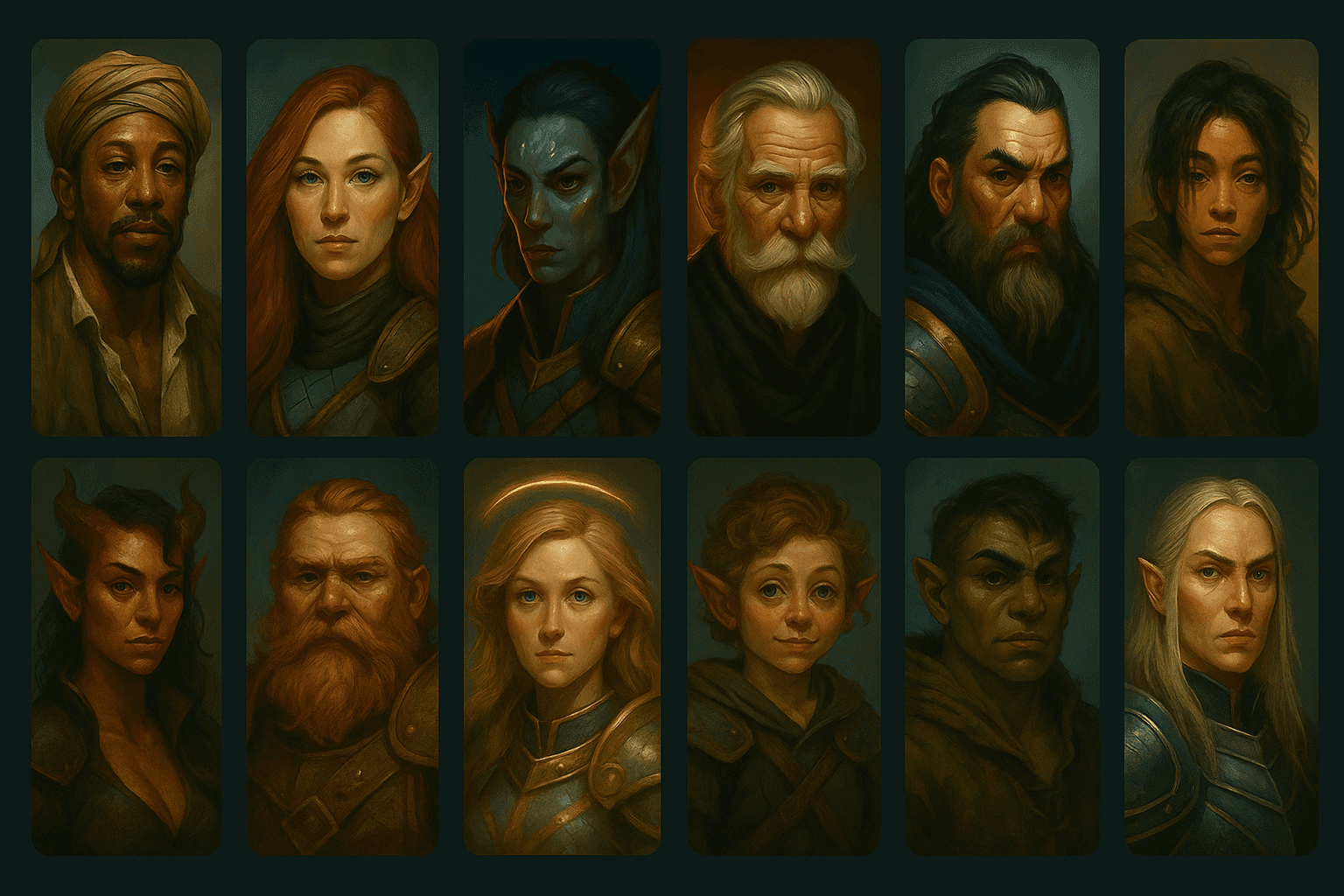
Build a character with the guided wizard, pick a pregen and get playing in a minute, or bring a sheet you built earlier from your account. The sheet does the maths: modifiers, saves, all 18 skills, HP, AC and spellcasting. 5E compatible, built on SRD 5.1. 5.5e compatible, built on SRD 5.2.1. Start at any level from 1 to 20 and RollQuest back-fills features and spell slots on the way. HP and AC live on your token and the GM decides who sees them.
- Guided builder with four ability-score methods, or pregens to start straight away
- Character sheets live on your account and come with you to any game
- Designed View: lay the sheet over your own artwork, place cards on it, draw on it
- Auto-calculated saves, skills, HP, AC and spell slots, every one clickable to roll

Combat, Run for You
Start a battle from the tokens on your board. Players roll their own initiative (server-rolled, d20 plus their bonus), a shared tracker keeps the order, and a ring marks whose turn it is. Movement is measured on the grid as you drag, with Move and Dash limits, and the path turns red when you overreach. The GM applies damage by type, healing, and conditions that show right on the token.
- Player-rolled initiative with a shared turn tracker
- Grid-measured movement with Move & Dash limits
- Damage by type (all 12 SRD types), plus healing
- Condition badges on tokens, hidden enemies shown as "???"
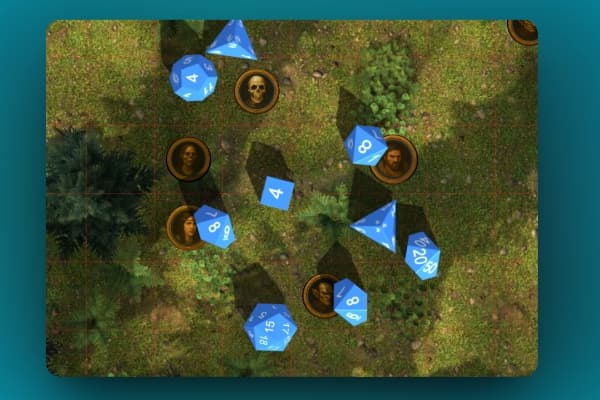
3D Dice Roller
Roll with physics. All standard dice types with real gravity and collisions, advantage and disadvantage built in, flat modifiers, and secret GM rolls your players can't peek at. Results land in player colours so nobody asks whose roll that was. If the 3D renderer can't load, you still get text totals.
- All dice types (D4 through D100)
- Advantage / disadvantage rolls
- Secret GM rolls
- Player-coloured results with modifiers
- Dice effects: animations and crit celebrations on Starter and Pro
Synchronized Audio
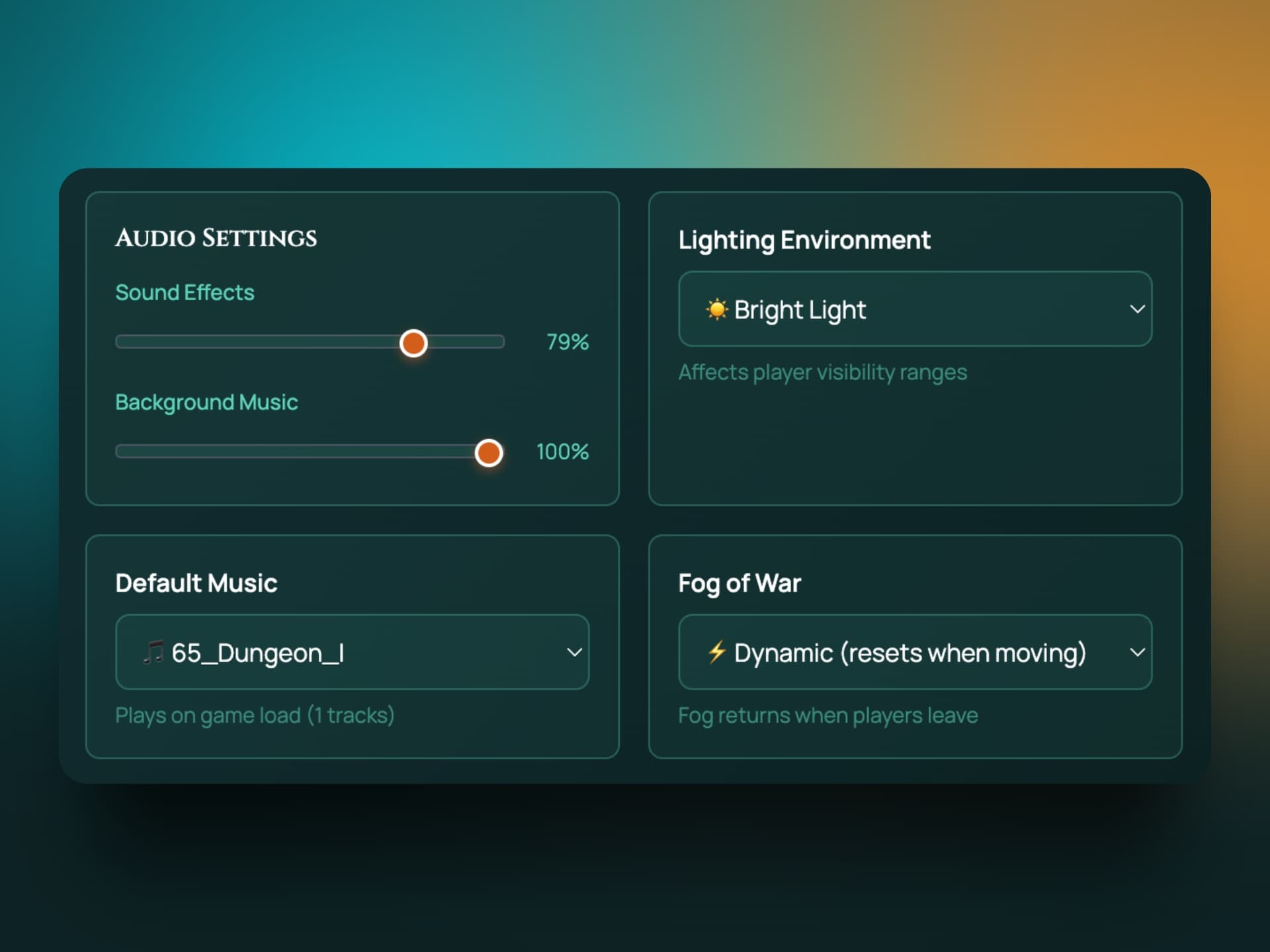
Set the mood with scene-specific music and sound effects. Upload your own audio library, attach open and close sounds to doors, and trigger anything from a Quick HUD keyboard shortcut. Everyone hears it at the same moment, and each player controls their own volume.
- Background music per scene, and battle music that kicks in when combat starts
- Sound effect library with tags and search
- Door-triggered sounds
- Playlists (Starter and Pro) and per-player volume controls
Dynamic Lighting & Atmosphere
Place point, directional, and ambient lights with custom colours and ranges. Attach a torch to the fighter's token and the light moves with them. Switch the whole scene between bright light, dim light, and darkness. None of it is cosmetic: lighting feeds straight into fog of war, so players only see what the light reveals. Add rain, snow or fog over the scene with weather effects, and attach lights to tokens so the torch moves with the fighter.
- Point, directional, and ambient light sources
- Torches and lanterns that follow tokens (Starter and Pro)
- Bright, dim, and darkness environment presets
- Drives fog of war visibility
- Scene weather (Starter and Pro)
Asset Library
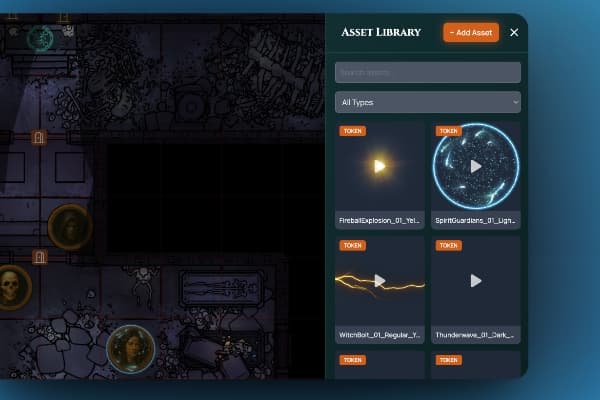
Organize your world with tokens, decorations, and props. Tag-based search, size and rotation controls, assets that follow tokens (auras, spell effects), and timed assets that remove themselves when the spell ends. Stretch an asset between two points for walls of fire. Images and video both work.
- Upload tokens, decorations, and props
- Tag-based organization
- Following & timed assets
- Video support (MP4, WEBM)
- GM Asset Drawer: a toolbox of your own assets that follows you into every game you run (Pro)
Campaign Journal
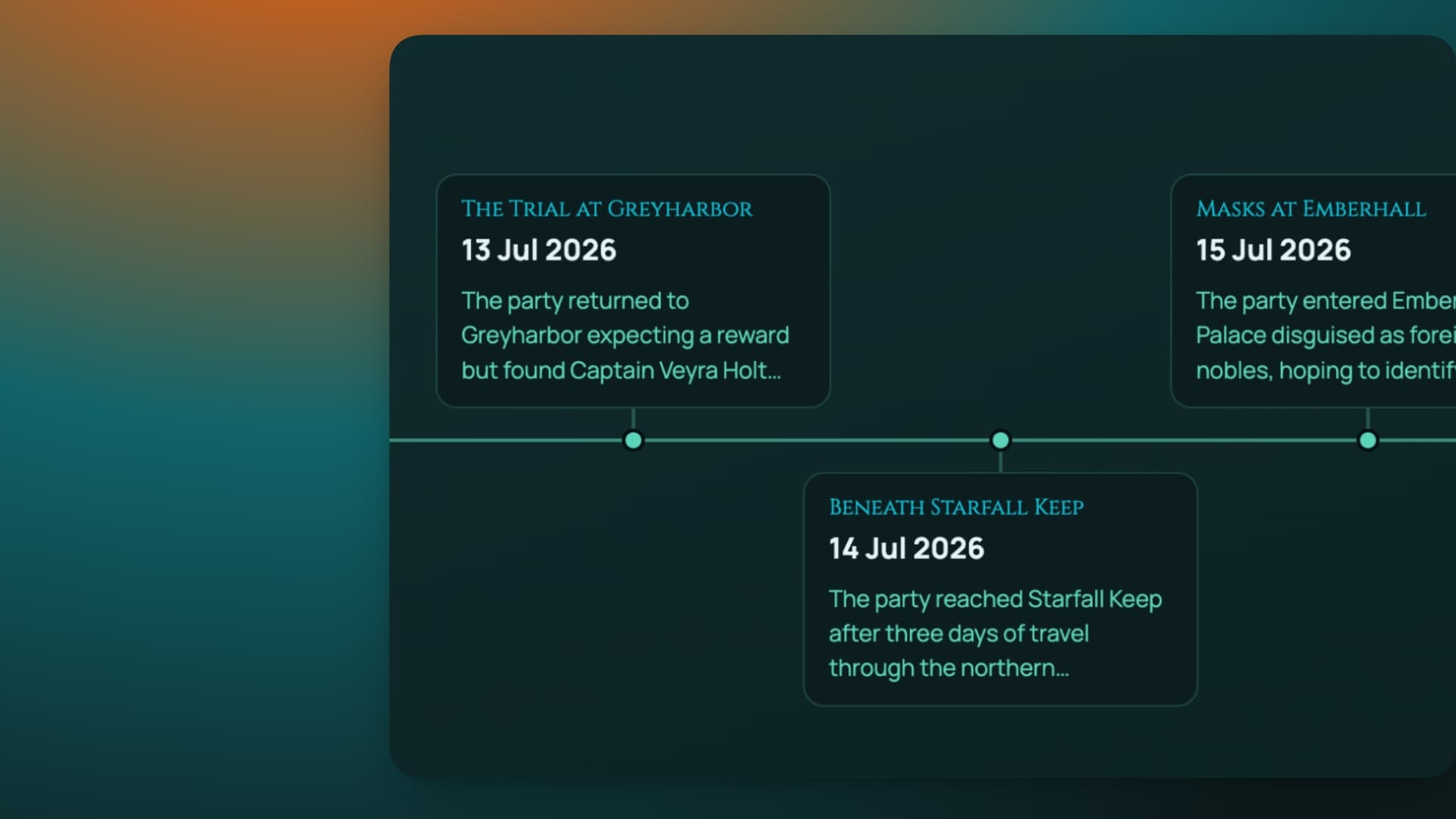
StarterWrite session recaps in markdown, build a wiki of NPCs, factions, and places, and see it all on a zoomable timeline, on a real calendar or your game world's own. Tag an NPC and their name becomes a link to a page listing every session that mentioned them. Keep a private GM journal, then reveal entries to the party when the moment's right.
- Markdown recaps with images and dates
- Entity wiki with automatic backlinks
- Real-world or in-world timeline
- Private GM journal with reveal-to-players
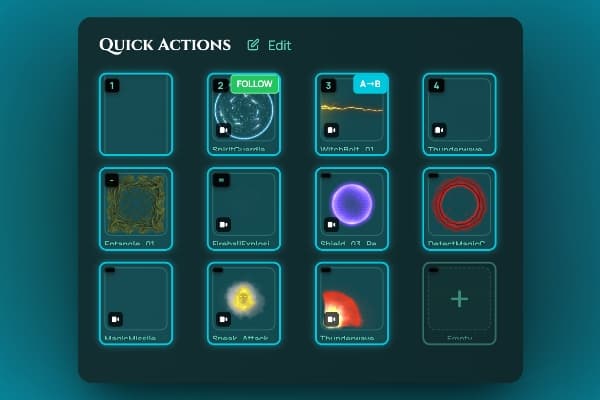
Quick HUD Power Tools
Control at your fingertips. 12 customizable slots mapped to keyboard shortcuts for instant sounds, music, assets, and dice, plus an integrated dice roller and one-tap access to measurement tools. Layouts save per game, so each campaign keeps its own setup.
- 12 keyboard shortcuts
- Sounds, music, assets, and dice in any slot
- Integrated dice roller and measurement access
- Per-game layouts with drag-and-drop editing
Cards & Decks
StarterLoot decks, fate cards, spell cards, homebrew subsystems: design two-sided cards with art, values, and clickable abilities, gather them into decks, and deal hands to your players. Played cards land face-up on the board with a full-screen flip. Abilities roll real 3D dice for the whole table and can grant an item or spend a spell slot straight on the character sheet.
- Visual card and deck editor with dice formulas
- Deal, reshuffle and manage player hands
- Decks saved to your account, reusable across games
- Abilities that roll dice and update sheets
- Foil, glint and sheen card effects (Pro gets the full set)
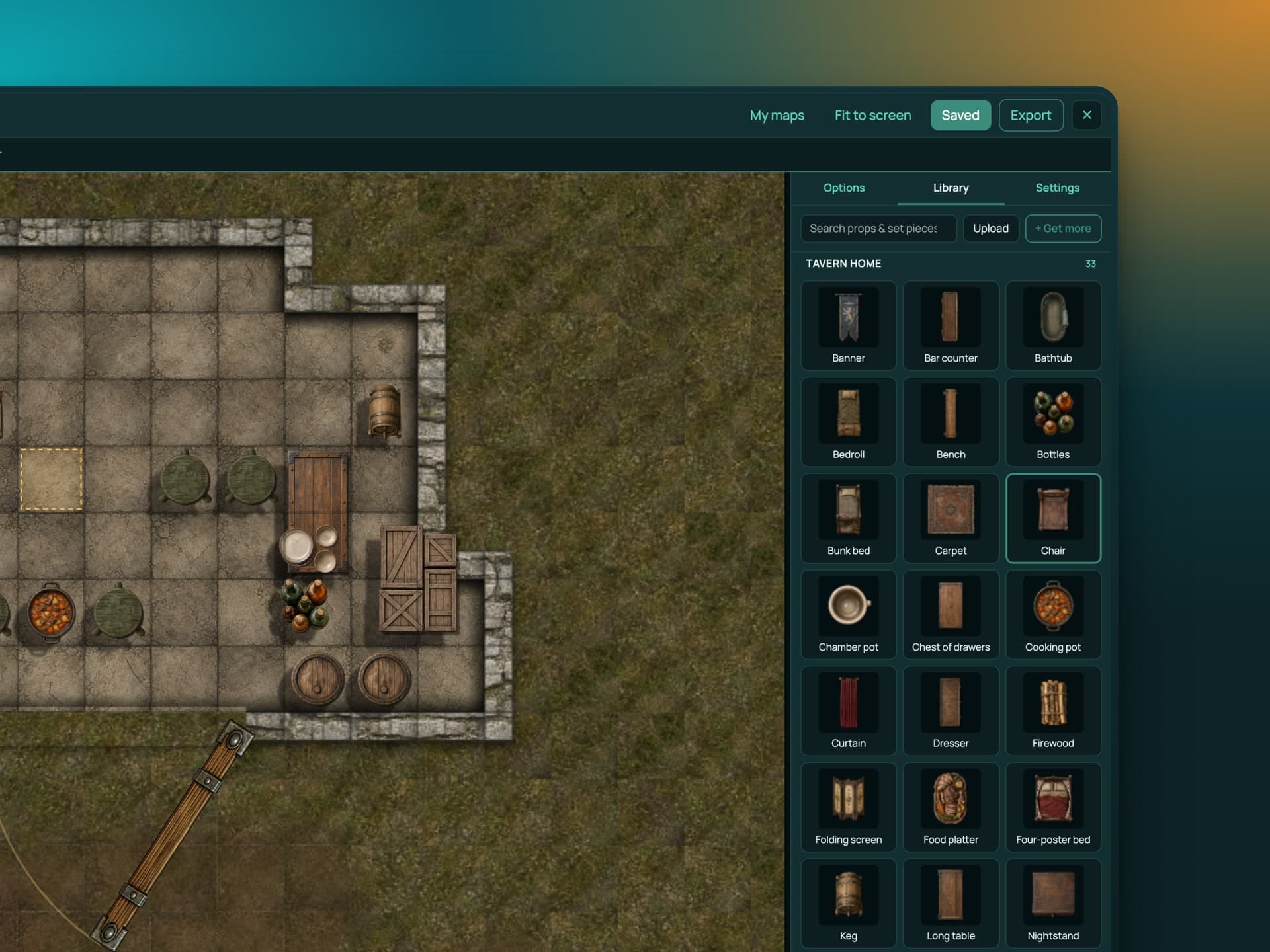
Map Builder
ProBuild a battle map without leaving RollQuest. Drop in floors, walls, furniture and terrain from map asset packs, snap to the grid, and play on it straight away. Walls and doors you place are already wired into fog of war and lighting. Pick up more asset packs on the marketplace.
- Top-down map assets, snap to grid
- Walls and doors feed fog and lighting automatically
- Map asset packs from the marketplace
- Save maps as scenes and reuse them across games
Layers, Markers & Grids
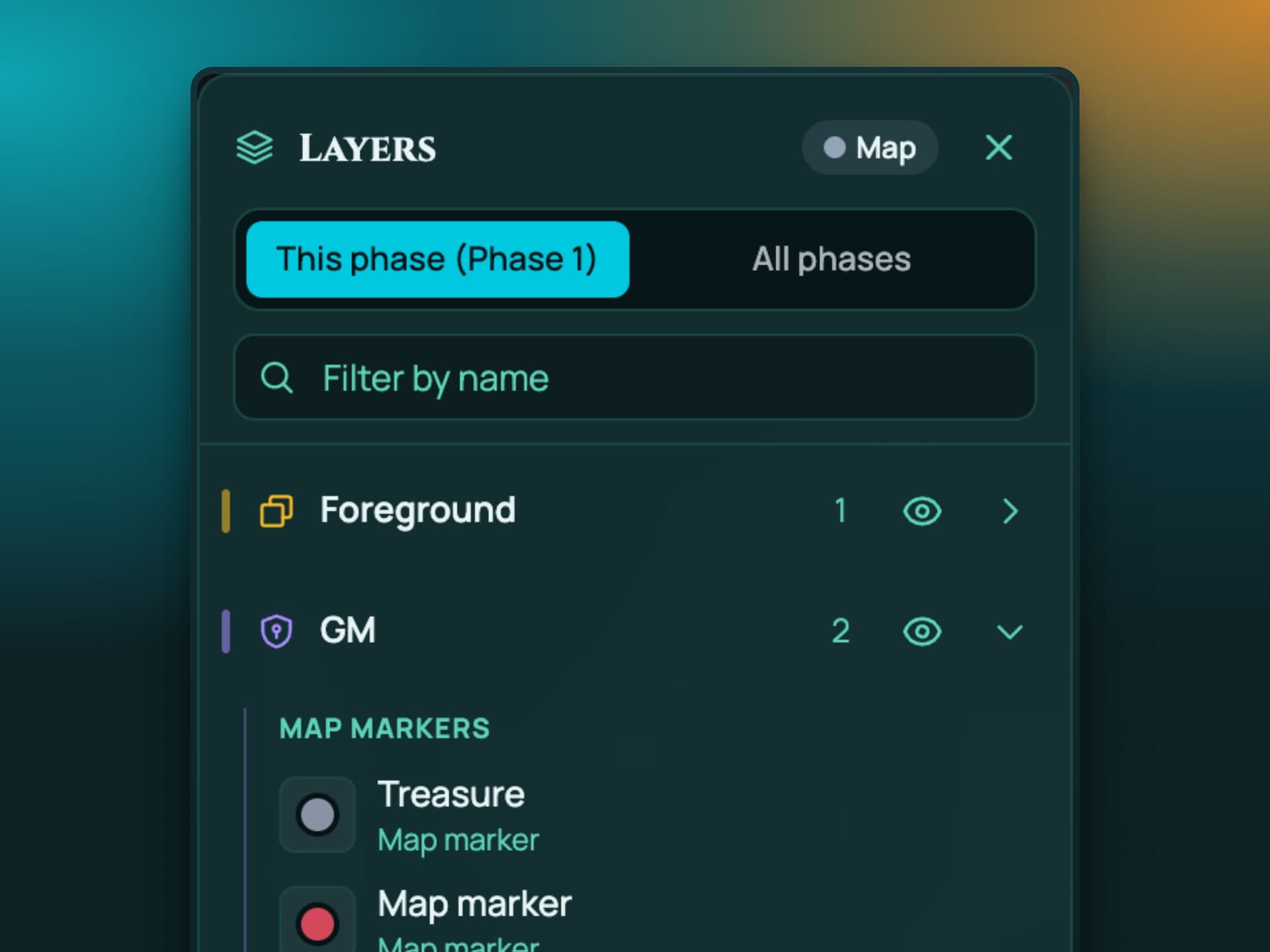
StarterPut GM notes right on the map as markers, hidden from players until you want them seen. On Pro, stack assets over the map as layers so tokens can walk under a bridge or across a roof. Hex grids for the games that need them, and a grid editor to line any map up properly.
- Map markers with hidden GM notes, revealed when you choose (Starter and Pro)
- Board layers: assets above and below tokens, for bridges, roofs and multi-level maps (Pro)
- Hex grids (Starter and Pro)
- Grid editor for aligning uploaded maps
GM Toolkit
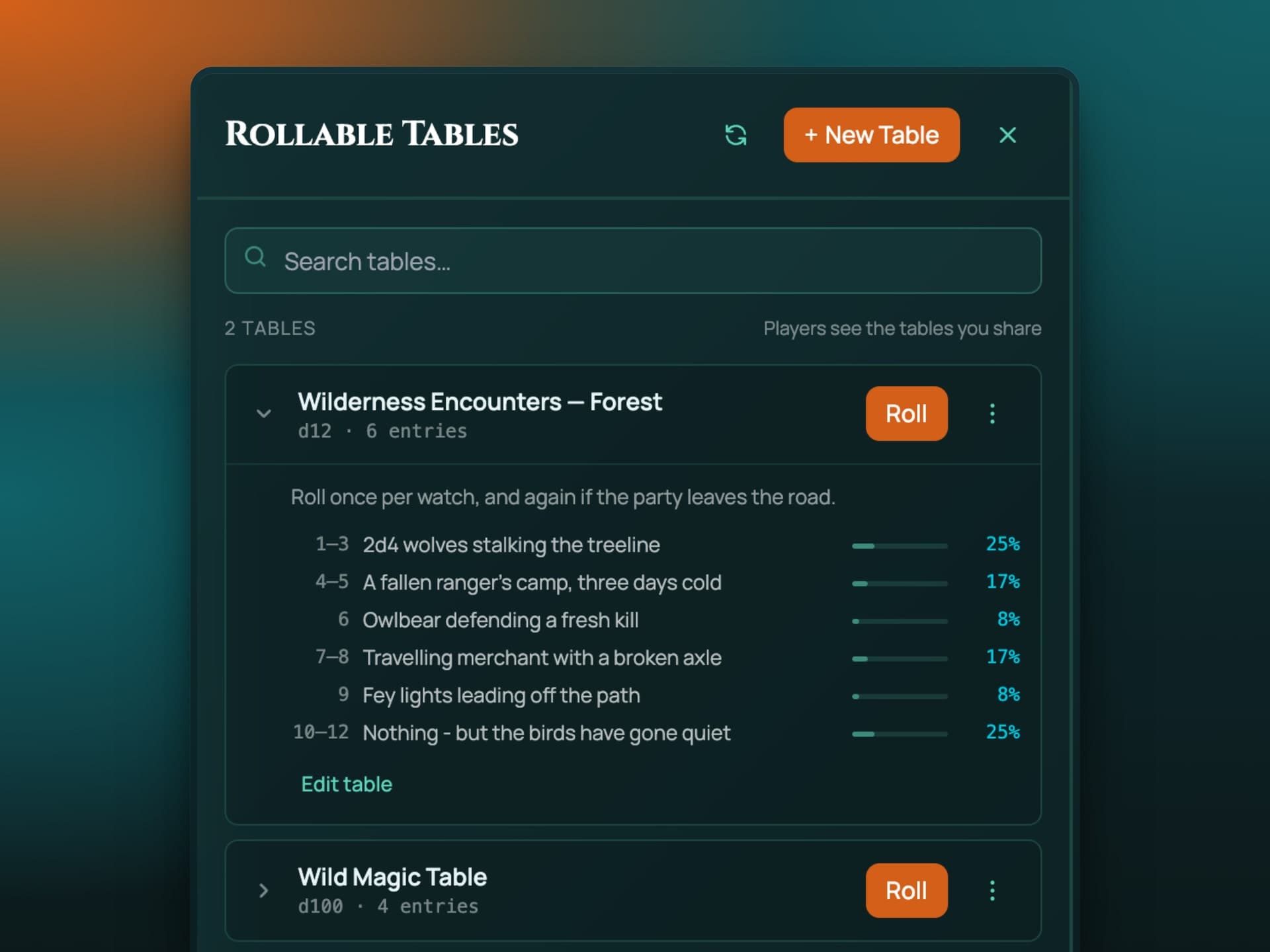
StarterThe bits and pieces that make a session run. Rollable tables for loot and encounters that any player can roll on. A calendar builder for your world's own months and moons, and a world clock that keeps time as the party travels.
- Rollable tables: random loot, encounters, anything (Starter and Pro)
- Calendar builder for in-world calendars (Pro)
- World clock that tracks time in your setting (Pro)
Game Systems & Templates
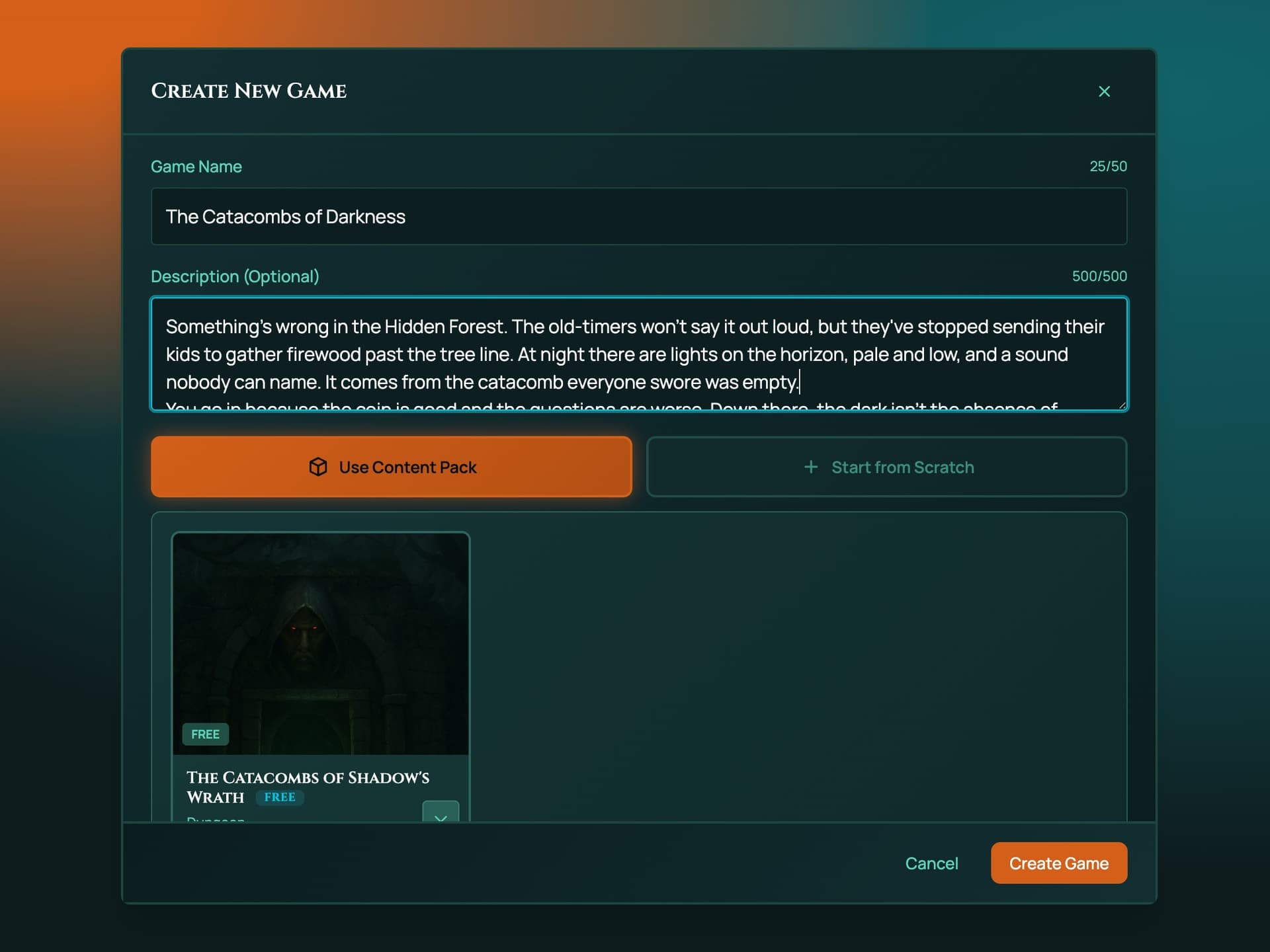
Play with the D&D 5e or 5.5e rules built in, or turn a finished campaign into a reusable template. Scenes, tokens, NPCs, sheets, lighting, walls, doors and decks all carry over. Browse templates when you create a game and start a fully prepared world in one click.
- 5e and 5.5e rules packs included
- Scenes, tokens, lighting, and sheets included
- Browse templates while creating a game
- Draft, test, and publish workflow
Content Packs & Marketplace
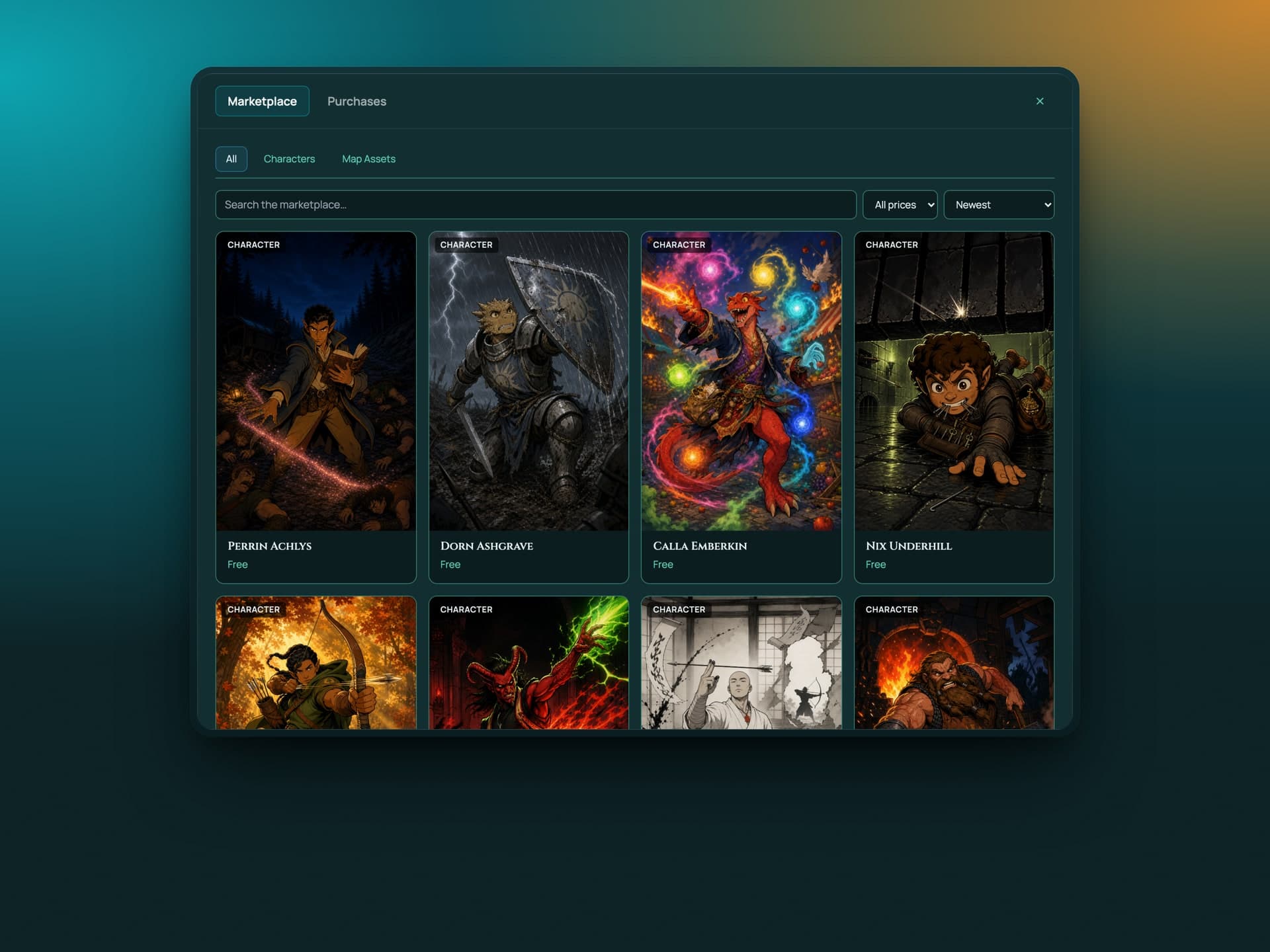
Content packs are full campaigns: maps, scenes, tokens, NPCs, journal entries and handouts, ready to run. Pick one up on the marketplace, load it into a game, and you've got a session tonight. Map asset packs for the map builder live there too. On Pro you can package up your own campaigns as content packs and publish them.
- Complete campaigns you can run the same day
- Map asset packs for the map builder
- Built by the RollQuest team and by creators
- Pro GMs can build and publish up to 20 content packs of their own
Sub-Second Synchronization
Everything syncs across all players the instant it happens: token movement, dice, fog reveals, audio, doors, lighting, scene changes, and character sheet updates. Drops under 10 seconds recover silently, longer ones auto-reconnect and catch you up to the current game state, and the game auto-pauses if the GM disconnects.
- Real-time movement, dice, fog, and audio
- Auto-reconnect with state recovery
- Auto-pause when the GM disconnects
- Live presence indicators
- Chat panel with whispers and roll history
Start Playing in 3 Simple Steps
Create Your Game
Sign up with Google or Discord account. Create a new campaign, upload your map image. Takes less than 2 minutes.
Build Your World
Add player tokens, build characters with the guided wizard, upload assets and sounds, create scenes for different locations, and set up fog of war with walls, doors, and lighting.
Invite & Play
Share your unique invite link with players. Everyone joins in real-time with synchronized gameplay and zero lag.
See RollQuest in Action
Watch a four-minute walkthrough of a real D&D session using RollQuest

Pricing on Your Terms
Start free. The whole table is included. Upgrade for the GM tools, more games and more storage.
Free Plan
Upgrade when you want the GM tools, more games or more storage.
Starter Plan
For GMs running a regular game
Founding User Price - Regular price $7.99/mo. Your rate locked forever!
Pro Plan
For worldbuilders
Founding User Price - Regular price $14.99/mo. Your rate locked forever!
All plans: Cancel anytime. No long-term contracts. Upgrade or downgrade instantly.
Play Free. Shape the Game.
We're opening a limited number of free Playtester seats with every feature unlocked and more storage than the Free plan, in exchange for your honest feedback. You get early access to new features and a direct line into what we build next. We get a real table putting it through its paces. Seats are limited and granted by application.
Playtester access is free while you take part. See for details.
Compare Plans
See what's included in each tier before you choose your adventure.
Every plan gets the same 8-player limit per game. That's a technical limit, not a paywall.
The full list
Frequently Asked Questions
Is RollQuest really free?
Do I need to download anything?
How many players can join my game?
What RPG systems does RollQuest support?
Can I use my own maps and tokens?
How does the founding user pricing work?
Can I upgrade or downgrade anytime?
What happens if I exceed my storage limit?
Is my campaign data secure?
Do you have a mobile app?
Does RollQuest have character sheets?
Can RollQuest run combat?
What are Game Systems?
Can I keep my campaign notes in RollQuest?
Does RollQuest include music and sound?
Which features are free and which need a paid plan?
What's a content pack?
Can I build my own maps?
Ready to Roll?
Join the founding community of Game Masters bringing their worlds to life with RollQuest. Start your first campaign today, no credit card required.