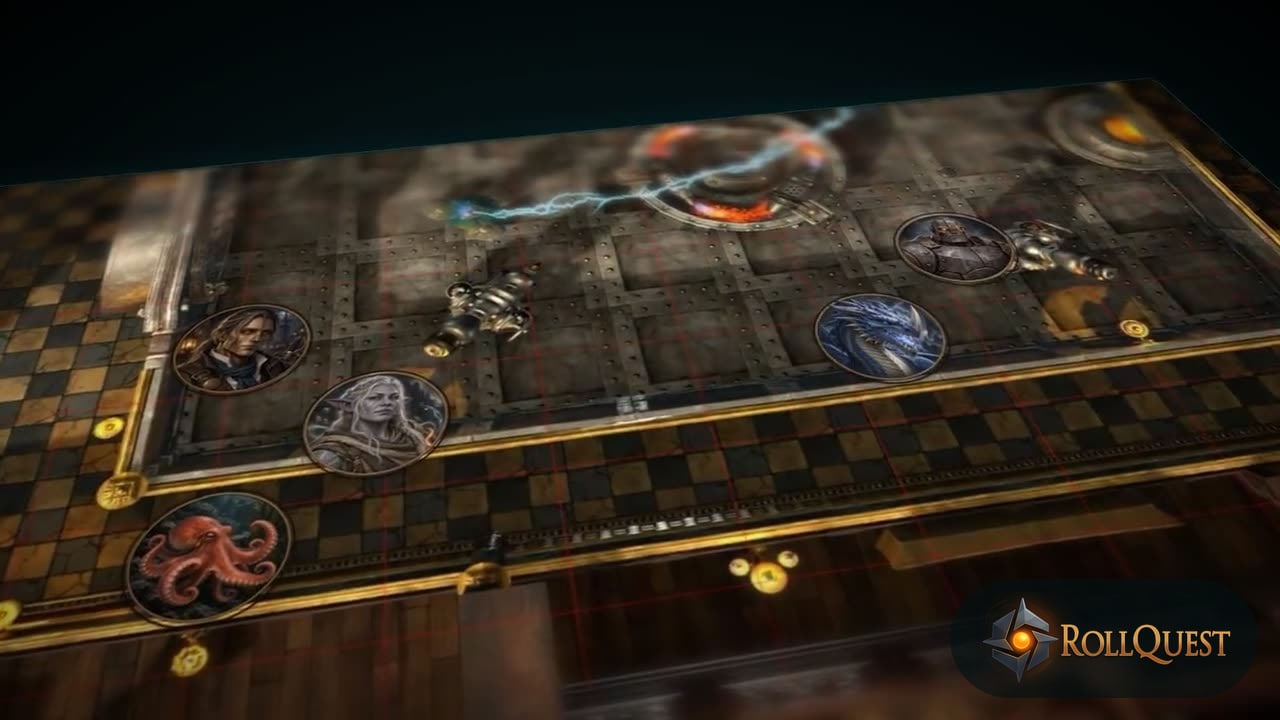
Everything on the table
RollQuest is a virtual tabletop that runs in the browser. Here's the whole thing. The table itself is free: fog, lighting, sheets for six game systems, dice, combat, audio and macros. Starter and Pro add the tools you use as a GM between sessions.
The table (free on every plan)
Fog of war Walls, doors and token vision. The map reveals itself as the party explores. Cell-by-cell reveal on square or hex grids, a manual brush for when you want control.
Dynamic lighting Coloured lights, torches that follow tokens, doors that block light. Per-token vision bands, so darkvision reaches further than a human's eyes and shows in greyscale.
Character sheets Sheets that do the maths, for D&D 5e and 5.5e and for our own Ashfall, Brightline, Drownwake and Ninefold. Guided builders, pregens, Designed View, and sheets that live on your account rather than in one campaign.
Game systems D&D 5e and 5.5e, and four games of our own: Ashfall (d100), Brightline (d20), Drownwake (a pool of d6s) and Ninefold (2d10), each with a free rulebook and an adventure to start from. See all six systems, or start a game from a content pack in the marketplace.
Macros One click asks, targets, rolls and posts the result, with Roll damage and Apply damage buttons on the card. Add the ready-made ones for your game's system and run any macro you can see.
+ From pack Add your system's own cards to a sheet, such as Brightline powers or 5e spells, and whatever your GM's homebrew packs offer. Archetypes, Callings and species stay in the character builder.
3D dice Physics dice everyone sees land. Roll from the sheet, the tray or chat. Whispers and roll history. Free dice designs, from gilded obsidian to the Goblin Box, whose d6 is a goblin.
Combat tracker Battle Mode rolls initiative, tracks turns on the map, puts conditions on tokens and reads HP from the sheet.
Encounter balance In a 5e or 5.5e game, Battle Setup says which way a fight leans before anyone rolls, and the Encounter Planner puts one together from the creature library. Only the GM sees either.
More than one character A player can play a second hero or a companion of their own in the same game, each with its own token and its own sheet.
Audio Scene music, a tagged sound library, battle music that starts with the fight, door-triggered sounds, and pictures on your own sounds and tracks.
Play a character on its own Open a character from your dashboard and roll from a full-screen sheet with no game running.
Measurement and templates Measure in circles, cones, squares and rectangles, or along a multi-point path that shows each segment's distance as well as the total.
Grid editor Line the grid up with an uploaded map's artwork so a five-foot square really is five feet.
Elevation Give a token, a placed asset or a light a height in feet, for rooftops, pits and flying.
Phases Swap a scene to night-time, or to the hall after the cave-in, with its own walls, doors and lights, for everyone at once.
Scene vistas Show your players a picture instead of the map, such as the view as they ride up to the castle, while you carry on working on the map behind it.
Held actions Line up a big moment before the session, such as a roll of thunder, a pause and a fireball, then fire it one step at a time or all at once from a bar on the board. For the GM, on every plan.
GM tools (Starter and Pro)
Campaign journal · Starter Session notes, NPCs, locations and handouts in the same window as the map. Share pages with players.
Cards and decks · Starter A deck editor, private hands, dealing and reshuffling. Cards that roll dice and change sheets. Decks saved to your account.
Rollable tables · Starter
Your own weighted tables for encounters, loot, weather or names. Roll from the panel or with /table in chat, in the open or in secret.
Hex grids · Starter Flat-top or pointy-top hexes on any scene, for overland travel and hex crawls. Fog and tokens both snap to them.
Map markers · Starter Pin private notes to places on the map. Pick an icon and a colour, write in Markdown, open with a click. Players never see them.
Dice effects · Starter Throw dice with fire, frost or lightning, and mark a natural 20 (or a natural 1) with confetti, glows and screen shakes.
Music playlists · Starter Group tracks from your Music Library so the music keeps going all session without you reaching for it. Give a scene or a phase its own playlist and the music follows the map.
Macro sharing · Starter Add your macros to a game so every player there can run them, whatever their own plan.
Pro tools
Map builder · Pro Paint battle maps from terrain, rooms, corridors, doors, windows and roofs, on as many floors as you need, then send one to your scene's background or download it as an image. Sort the props on a busy floor into groups you can hide, lock or fade at once. The walls you paint are part of the picture: draw walls on the board to block sight and movement.
Weather · Pro Rain, snow, mist, storms, ash and more over a scene, with up to two looping sounds you pick, such as rain and distant thunder.
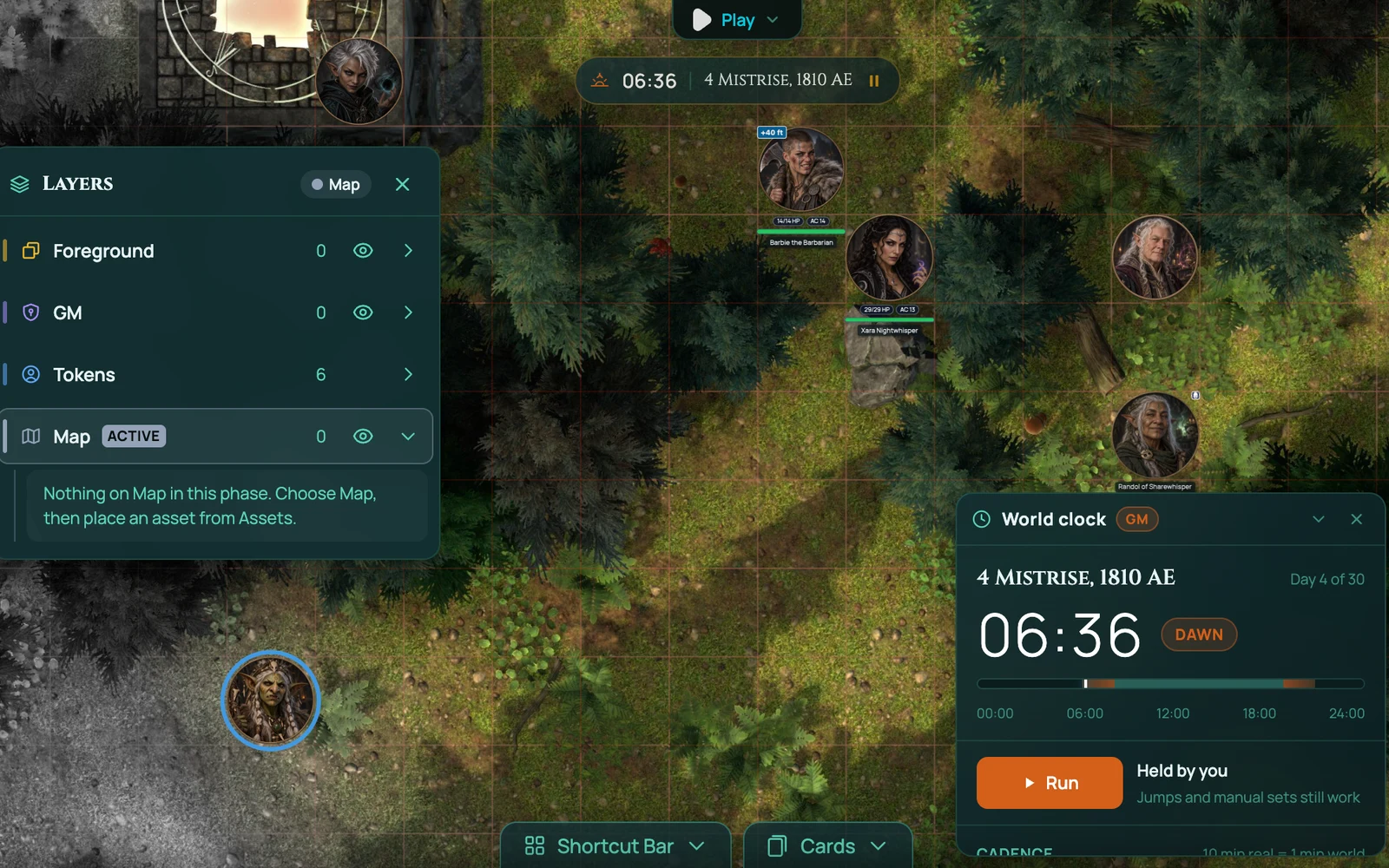
Board layers · Pro Map, Foreground and a GM-only layer. Roofs fade as tokens walk beneath them, and a token up on the rooftops sees over the walls below.
GM Asset Drawer · Pro One library of images and creatures that follows you into every game. Arrange it into pages and sections, then drag straight onto the board.
Calendar builder · Pro Give your world its own calendar: name the months, set their lengths, add eras, intercalary festival days and a leap-year rule, or start from a preset.
World clock · Pro Run the campaign on a clock. Pick how fast time moves, from frozen through exploring to a day a minute of downtime, jump to dawn or the end of a long rest, and let conditions count down in world time.
Spell effects · Pro Spells cast at targets play their own animation on the board, and weapon attacks swing, throw and shoot. Cast any of hundreds of effects straight from the Spell FX tool, with an aim bar that says what to click next, so it works on a phone too.
Lasting spell effects · Pro Spells that last stay on the board until they end: a shimmer on everyone Bless touched, a ring of Spirit Guardians that moves with the cleric, a Web filling its square. RollQuest counts down what's left and clears each one when its spell ends.
Background optimiser · Pro Re-save your maps as smaller files that look the same, so they load faster for everyone and give you back storage.
Journal between sessions · Pro Your players read and write the campaign journal from their dashboard between sessions, even while the game is locked, without a paid plan of their own. Rolling out to accounts.
Voice FX · Pro Your microphone voice as a demon, a dragon or a pixie, in a cathedral, a cave or an arena. On a computer, not a phone. Rolling out to accounts.
Building your own
Homebrew · Pro Your own weapons, magic items, spells, feats, species, backgrounds, subclasses and whole classes on your players' sheets, checked before they're created, with up to 20 homebrew packs. Your players take them on any plan.
Your own macros · Pro Build and edit macros with forms in the Steps view, or type them in the Text view, and test-run one before you save it.
Sheet layouts and Canvas sheets · Starter Move, add and drop the blocks on a sheet's tabs, or design a Canvas sheet laid out over your own artwork.
Sheet designer · Starter Build a character sheet from blocks: ability scores, HP, skill tables, resource pools, inventory with containers and encumbrance, a wallet, progression, rich text and tabbed panels. Lay them out on the page and they keep working.
Calculations and values · Pro Define your own derived values and formulas, so a homebrew system's maths adds up the same way 5e's does.
Content packs · Pro Publish a game you've built, with its scenes, maps, walls, lights and music, for your own next group or for the marketplace. Publishing also needs a creator permission from support.
Also in the box
Player perspective view, so you can see exactly what any one player sees. Chat with whispers and roll history. The Shortcut Bar: 24 slots for the attacks, spells, macros and effects you use most, the first 12 on keys. Scene manager. Asset library with tags. Board Hierarchy on Starter, to find, hide or reorder anything on the board. Sticker album, drawing, text and clickable regions on a Designed View character sheet, with undo and redo. Dramatic effects that fire a visual and a sound together. Sub-second sync across every player. Eight players plus the GM per game, on every plan.