Measure it, don't argue about it
FreeTwo questions come up in every fight: can I get there, and who does this hit. Counting squares by eye across a shared screen is how you get a table disagreeing for five minutes. RollQuest has a measure tool with the shapes you actually need, and it's free.
Five shapes
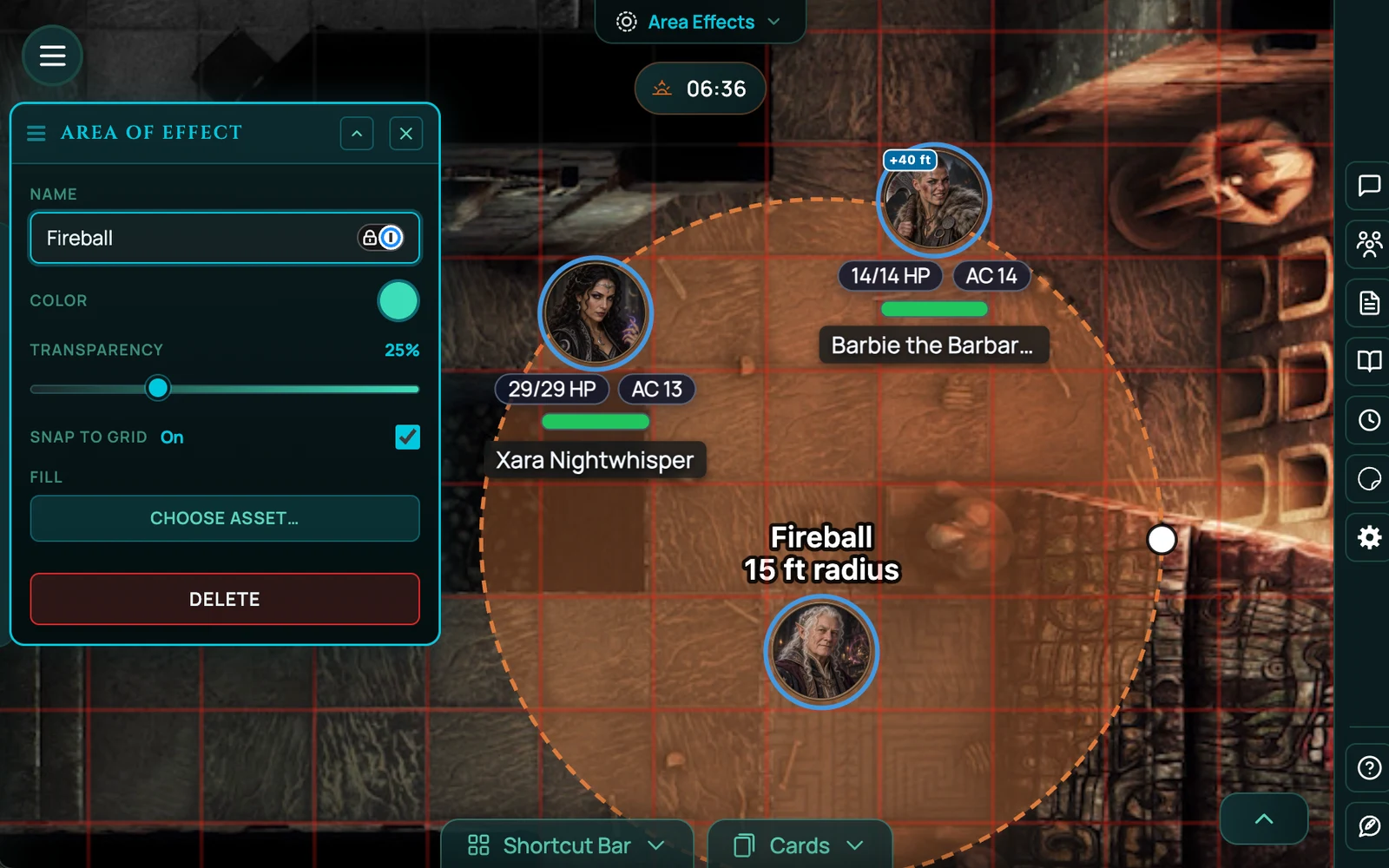
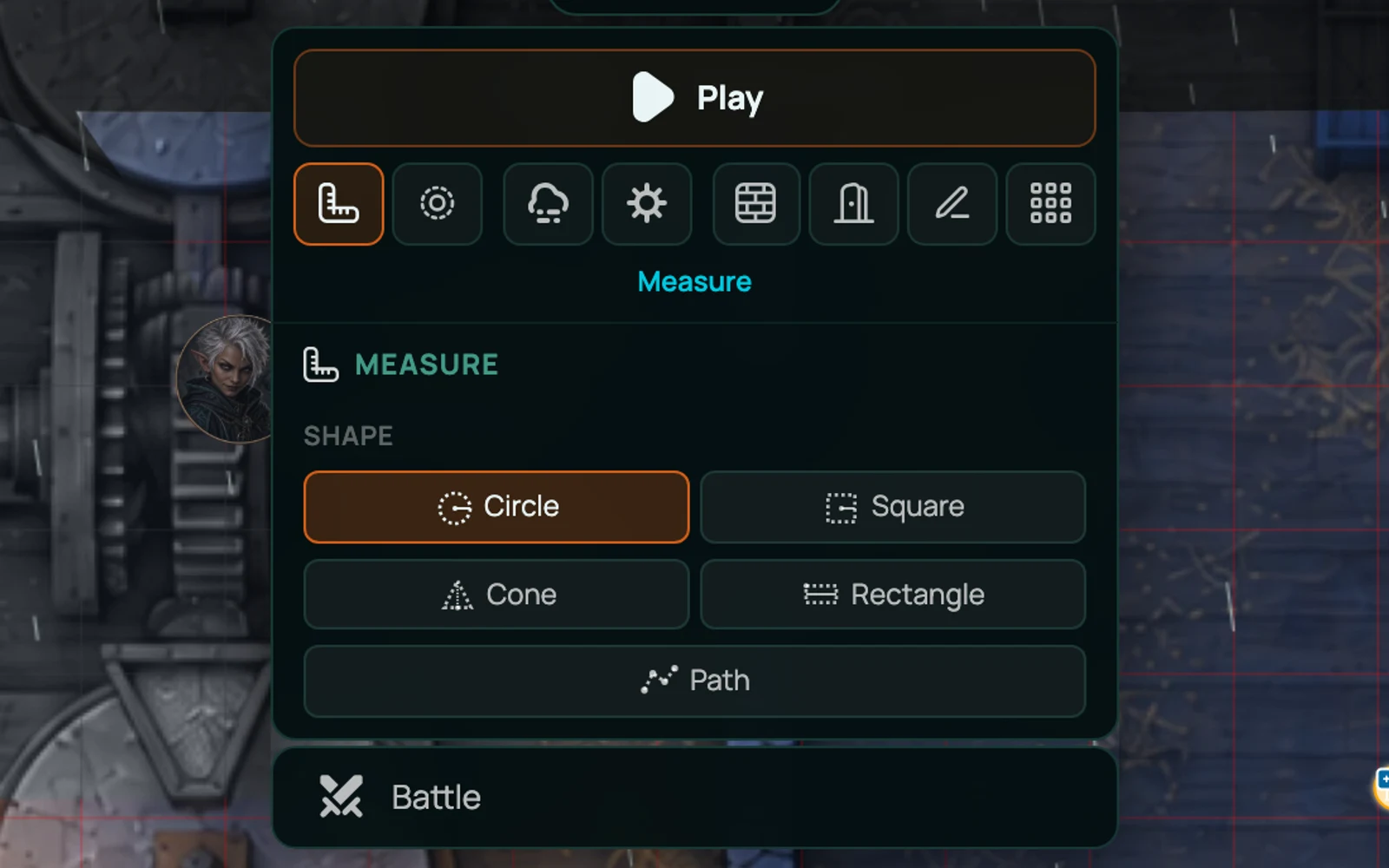
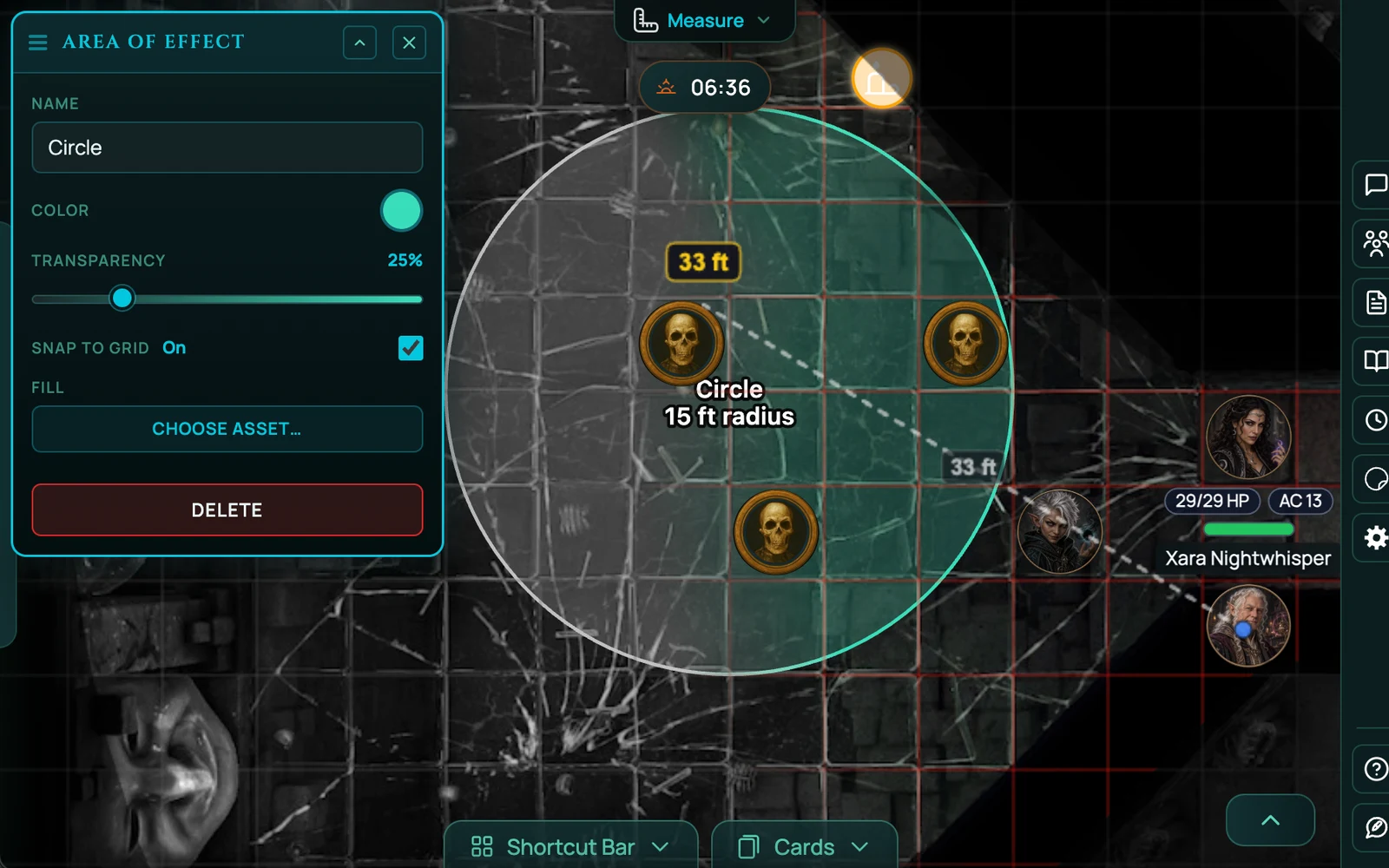
Circle - a circular area of effect, dragged from its centre. Fireballs, auras, anything with a radius.
Square - a square area centred on a point, for the systems and effects that work in squares rather than circles.
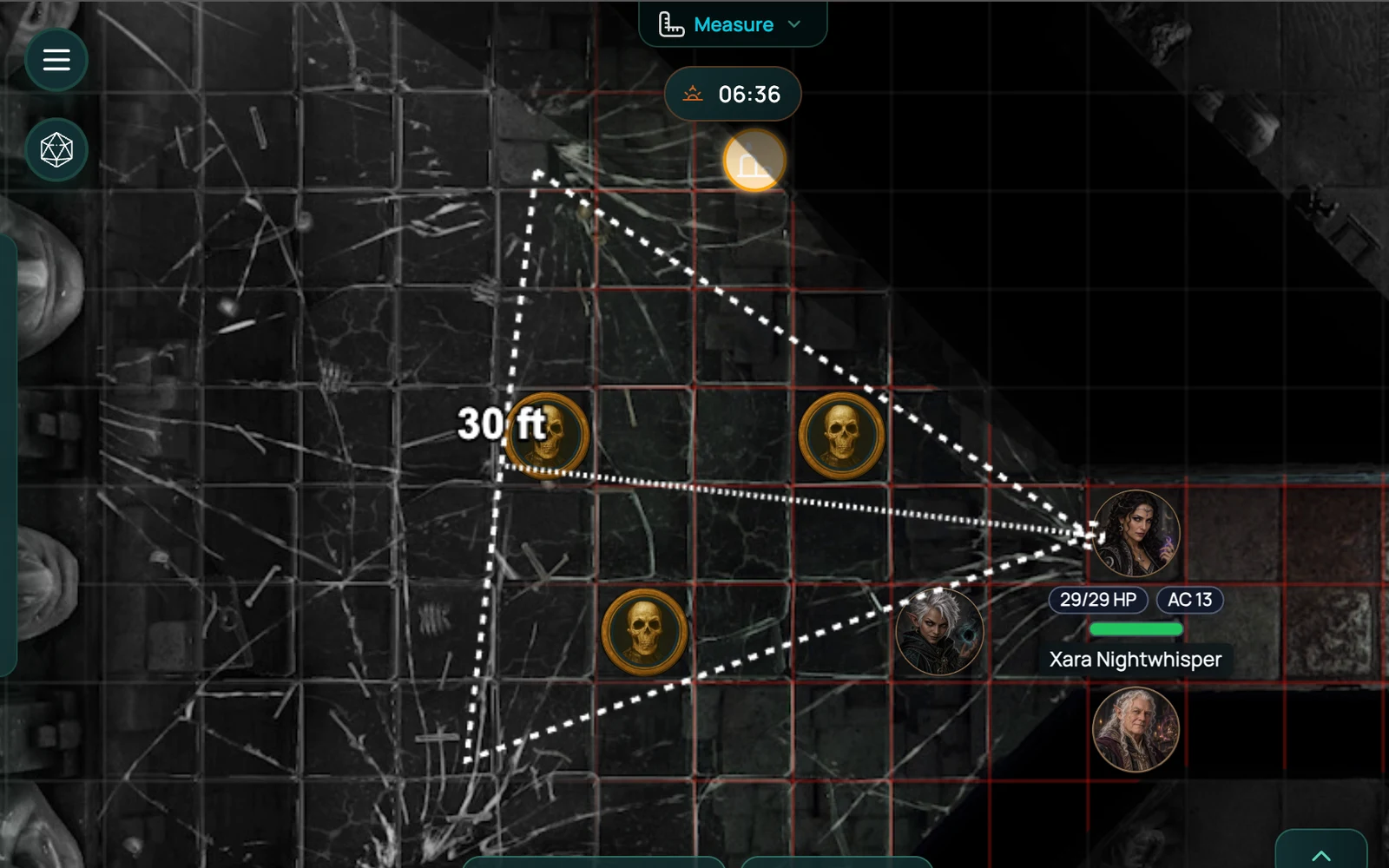
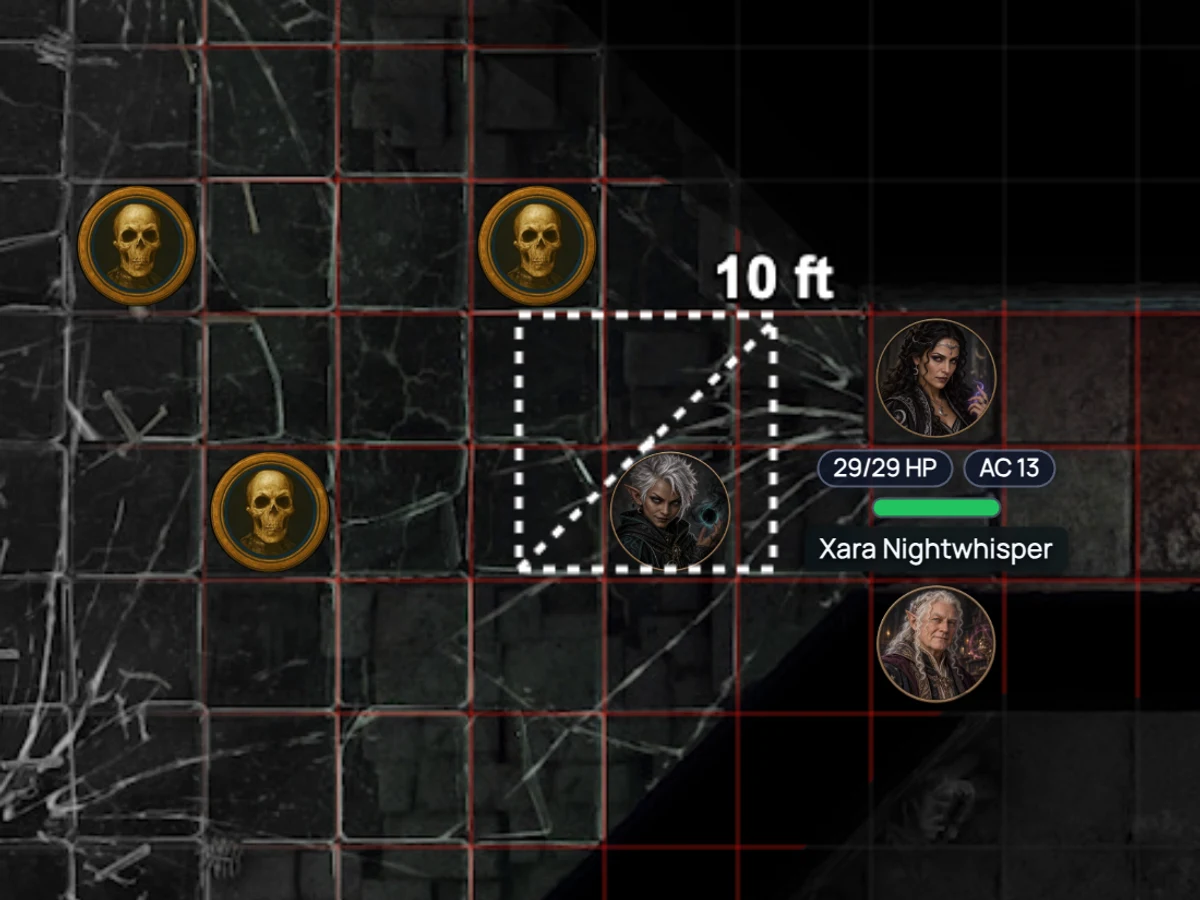
Cone - the cone every game has a dozen of. Drag from the origin and point it.
Rectangle - a freeform rectangle, for lines, walls of fire, corridors and anything you want to box off.
Path - a multi-point path that shows the distance of each segment as well as the total. This is the movement one: click your way around the corner and the pillar, and see what the move actually costs rather than what the straight line between two points suggests.
It knows the grid
Measurement reads the scene's grid, so distances come back in your game's units rather than in pixels.
If you're on an uploaded map image, that grid has to match the artwork first, and almost never does out of the box - a map drawn at 70 pixels per square lands on a 50-pixel grid and every measurement after that is quietly wrong. The grid editor is where you fix it: set the cell size and nudge the origin until the overlay sits on the lines the artist drew. Do it once per map and everything measured afterwards is right, along with token snapping and cell-by-cell fog.
The grid editor is on every plan.
Hex grids are on Starter and Pro, and measurement works on those too.
Everyone sees it
A measurement is drawn on the shared board, not just on your screen. When a player asks whether they can reach the archer, the answer is visible to the whole table at once, which is usually the end of the discussion.
Works with
Combat tracker is where most measuring happens - whose turn, how far, who's in the blast.
Map builder maps come with a grid already set, so measurement is correct with no alignment step.
Fog of war means the thing you're measuring to might not be visible to the player doing the measuring, which is as it should be.
Frequently asked questions
Is the measure tool free?
Yes, on every plan, with every shape.
Can I measure a path around a corner?
Yes. The Path shape takes multiple points and shows the distance of each segment as well as the total.
Do the templates snap to the grid?
Measurement reads the scene's grid and reports distance in your game's units. Use the grid editor to align the grid to an uploaded map first.
Can players measure, or only the GM?
Both.
Does it work on hex grids?
Yes. Hex grids themselves are on Starter and Pro.
Try it
Open any scene on the free plan, press the measure tool and drag a cone across the map.