Build the sheet your system actually needs
ProThe 5e and 5.5e sheets are done for you. But plenty of tables aren't running 5e - they're running an indie system, a heavily house-ruled version of something, or a thing the GM wrote. Those tables usually end up with the real character sheet in a spreadsheet and the VTT reduced to a map with tokens on it.
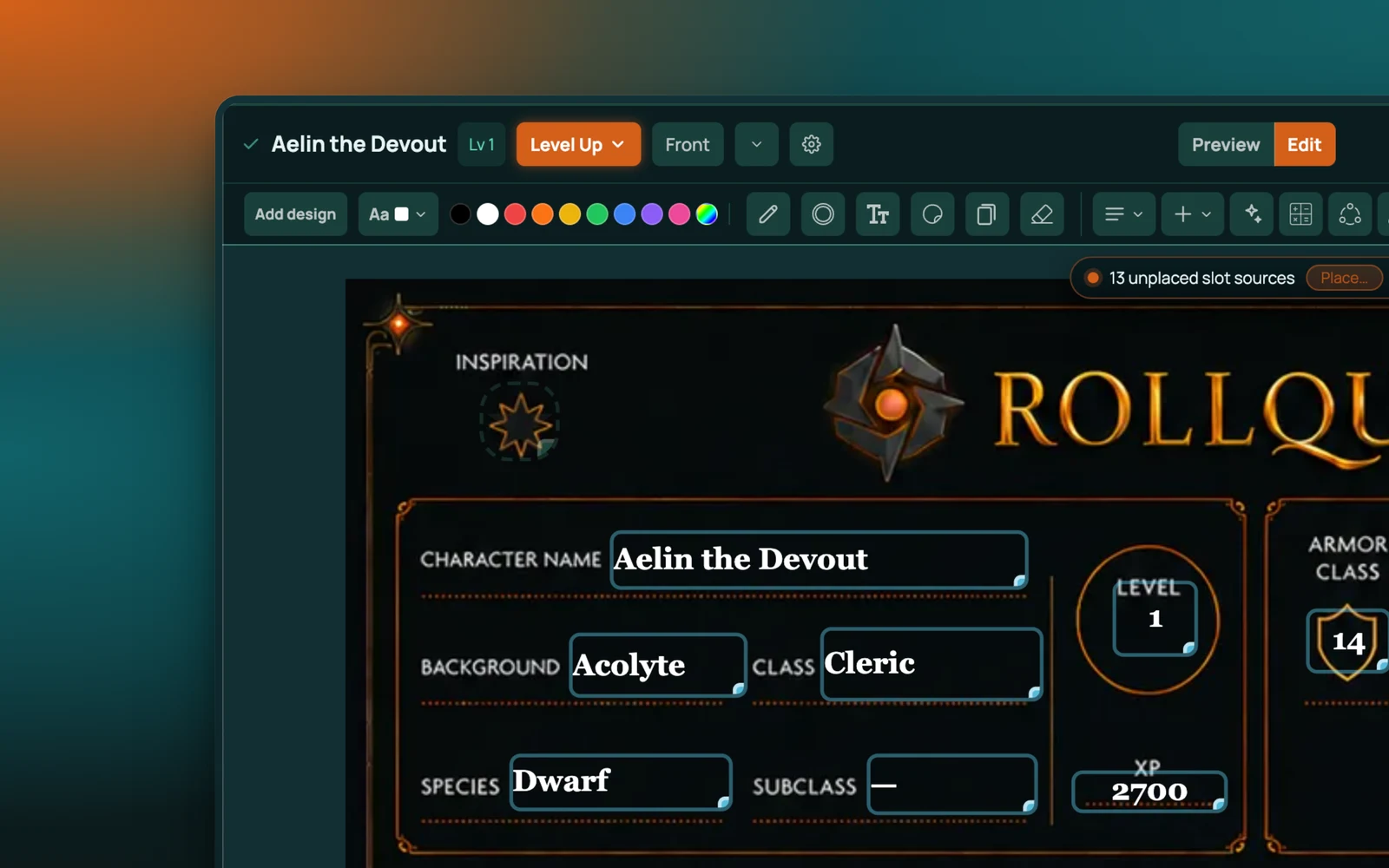
Blocks that know what they are
You build a sheet by placing blocks, and the blocks aren't generic form fields - each one already understands a job a character sheet does.
- Ability scores with their modifiers
- HP, with the pools and temporary values that go with it
- Skill tables that read from the abilities above them
- Stat tiles for the handful of numbers you want big and glanceable
- Resource pools - spell slots, ki, stress, ammunition, anything that spends and refills
- Item lists and inventory, with containers, so a backpack holds things and a chest left at the inn holds others
- Encumbrance, calculated from what's actually in those containers
- A wallet for currency
- Progression for levels or whatever your system advances
- Conditions
- Rich text for notes and features
- Portrait, tabbed panels and spacers for the layout itself
Drag them onto the page, size them, and use the layout inspector to get the arrangement right. There's an A4 frame if you want the sheet to print sensibly.
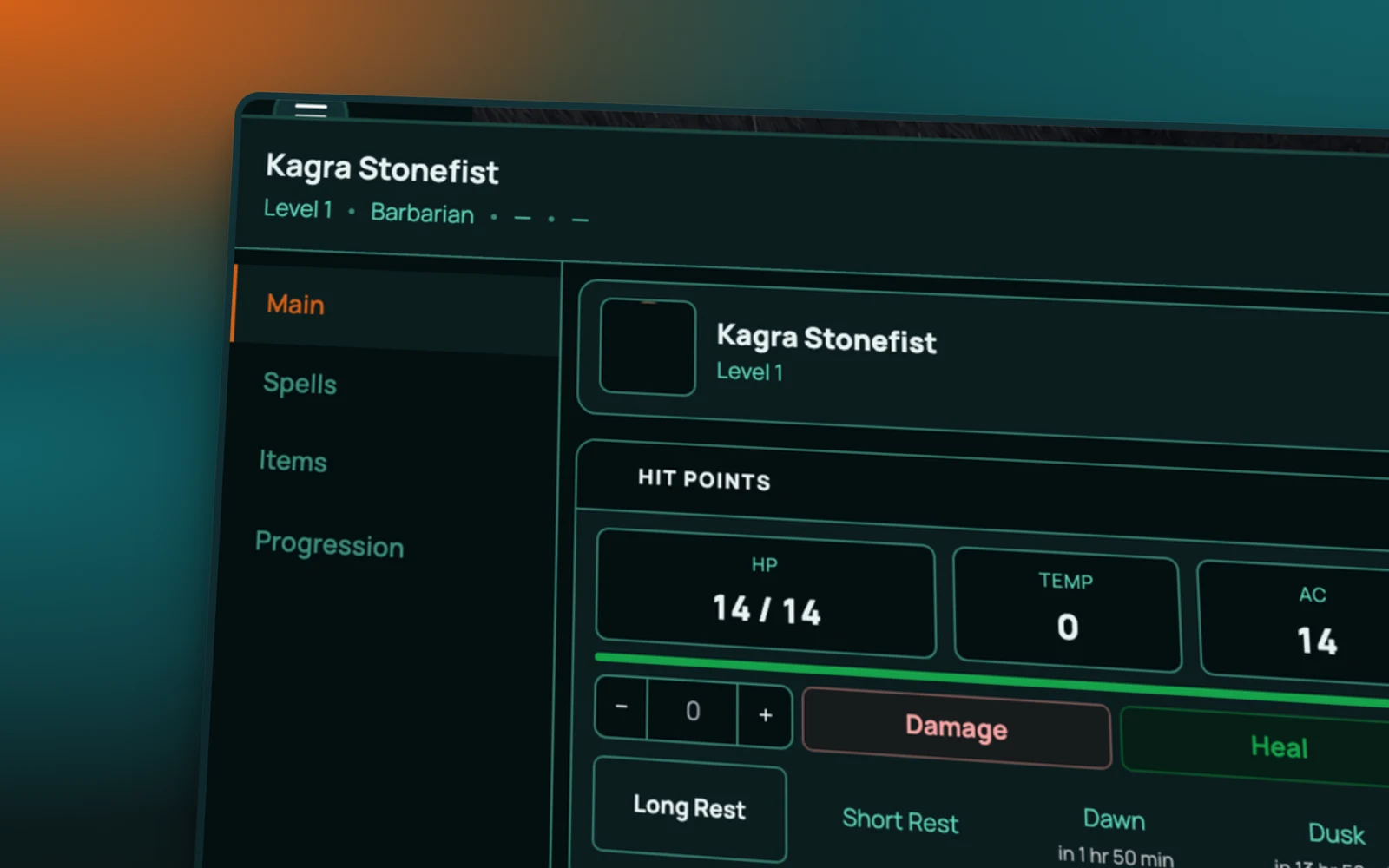
Maths that derives itself
This is the part a spreadsheet does well and most VTT sheet editors do badly.
You define values - the named quantities your system cares about - and calculations that derive from them. Proficiency from level, carrying capacity from Strength, a defence number from three other numbers and a worn armour item. Once a calculation exists, the sheet keeps it true: change the input and every number downstream updates, the same way the built-in 5e sheet already does.
The point is that a homebrew sheet shouldn't be a sheet where the player types their own modifiers in and hopes. It should add up by itself.
It's still a RollQuest sheet
A sheet you design isn't a second-class one. It rolls - clickable rolls go to the 3D dice and the chat log like any other. It works with Designed View, so you can lay your interactive fields over your own artwork. It lives on your account rather than inside one campaign.
Works with
Character sheets covers the 5e and 5.5e sheets you get without building anything.
Game systems and templates is how a system and its sheet get bound together and reused across campaigns.
Marketplace is where packs are published and found.
Frequently asked questions
Which plan has the sheet designer?
Pro, along with creating and publishing content packs. Designed View - laying fields over your own artwork on an existing sheet - is on every plan, including Free.
Do I need to build a sheet to play?
No. 5e and 5.5e sheets are ready to use on the Free plan. The designer is for systems we don't ship.
Can I do the maths without writing code?
Yes. Calculations are defined in the app against named values, not written as scripts.
Can I share a sheet I've built?
Yes, in a content pack. Pro accounts can create and publish up to 20 packs.
Can I start from someone else's system?
Yes. Fork the rows you want into a pack of your own; references are re-keyed to your copies automatically.
Try it
The sheet designer is on Pro. If you're only after 5e or 5.5e, the built-in sheets are free and need none of this.