

Homebrew: what you can build
This page shows everything you can build as homebrew in RollQuest, from a magic sword to a whole new class, and how it reaches your players' character sheets.
In tabletop games, homebrew means rules a group makes up for itself: a cursed blade from your own adventure, a spell a player invented, a subclass that fits your world. In RollQuest you gather your homebrew into a homebrew pack, a file that lists each new thing with its numbers. RollQuest checks the pack before it accepts it, then offers its contents to the players of the games you choose, in the character builder, at Level Up and on the sheet, with every bonus worked out, so nobody types numbers in by hand. As the Game Master (GM), you write the packs and choose which of your games use them.
Plan: writing homebrew is on Pro, with up to 20 homebrew packs. Your players don't need Pro to use what you add to their game: on any plan, they take your items in the character builder, at Level Up and with + From pack at the top of their sheet.
Who can write homebrew
- Pro plan. A Pro account holds up to 20 homebrew packs at a time. Copies you make with Fork count too. A pack you retire stops counting once no character has anything from it; while characters still hold something from it, it keeps its slot.
- A verified email address, to create, edit or retire a pack, or to take a retired pack off your characters. Checking a pack doesn't need one, so you can find out whether your file is right before you confirm your email. If it isn't confirmed yet, RollQuest says Confirm your email address to create, edit or retire homebrew packs. and offers to send the link again.
- A game you created. Homebrew lives in the My Homebrew panel, which is in the game's menu under Game Master tools, and only the person who created the game sees it. A co-GM or a player never does. If homebrew leaves your plan while you still have packs, My Homebrew stays in a reduced form, so you can still turn off, unbind or retire them: see If your plan or account changes.
A homebrew pack is always private. Players in a game you've added it to can use it there, and nobody else can see it, copy it or add it to their own games.
How homebrew reaches a sheet
A pack builds on one of RollQuest's game systems, such as 5.5e, and adds your own content to it. You add the finished pack to a game, and from then on the players there are offered what's in it.
flowchart TD
  S["A game system<br/>5e, 5.5e, Ashfall,<br/>Brightline or Tidewrack"] --> P["Your homebrew pack<br/>written as a JSON file"]
  P --> C["Check this pack<br/>RollQuest's checker reads it"]
  C --> R["Create pack<br/>revision r1"]
  R --> B["Bind to this table<br/>one game, fixed to r1"]
  B --> W["Character builder<br/>a step you choose"]
  B --> L["Level Up<br/>subclasses and class features"]
  B --> F["+ From pack<br/>at the top of the sheet"]
  W --> SH["The character sheet"]
  L --> SH
  F --> SH
- Write the pack. A pack is written in JSON, a plain-text format for structured data. RollQuest has no form to fill in: you write the file yourself, copy rows from an existing pack with Fork, or have an AI chat assistant draft it from the authoring contract, a document RollQuest generates that lists exactly what it accepts. See Your first homebrew pack, step by step.
- Check and create it. RollQuest's checker, called the validator, reads the pack and lists anything that would break on a sheet. Nothing is created until it finds no blocking problem. See When a pack is refused.
- Bind it to a game. The app calls each of your games a "table", and adding a pack to one is binding it. A game stays on the version of the pack it was bound with, so editing the pack mid-campaign changes nothing for your players until you say so. See Put your pack on a table.
- Your players take it. They pick your items in the character builder, at Level Up or from the sheet, and each pick puts a copy of the item on their sheet.
Everything you can build
Every kind of thing below has its own page with a complete example you can paste and check.
| What | For example | See |
|---|---|---|
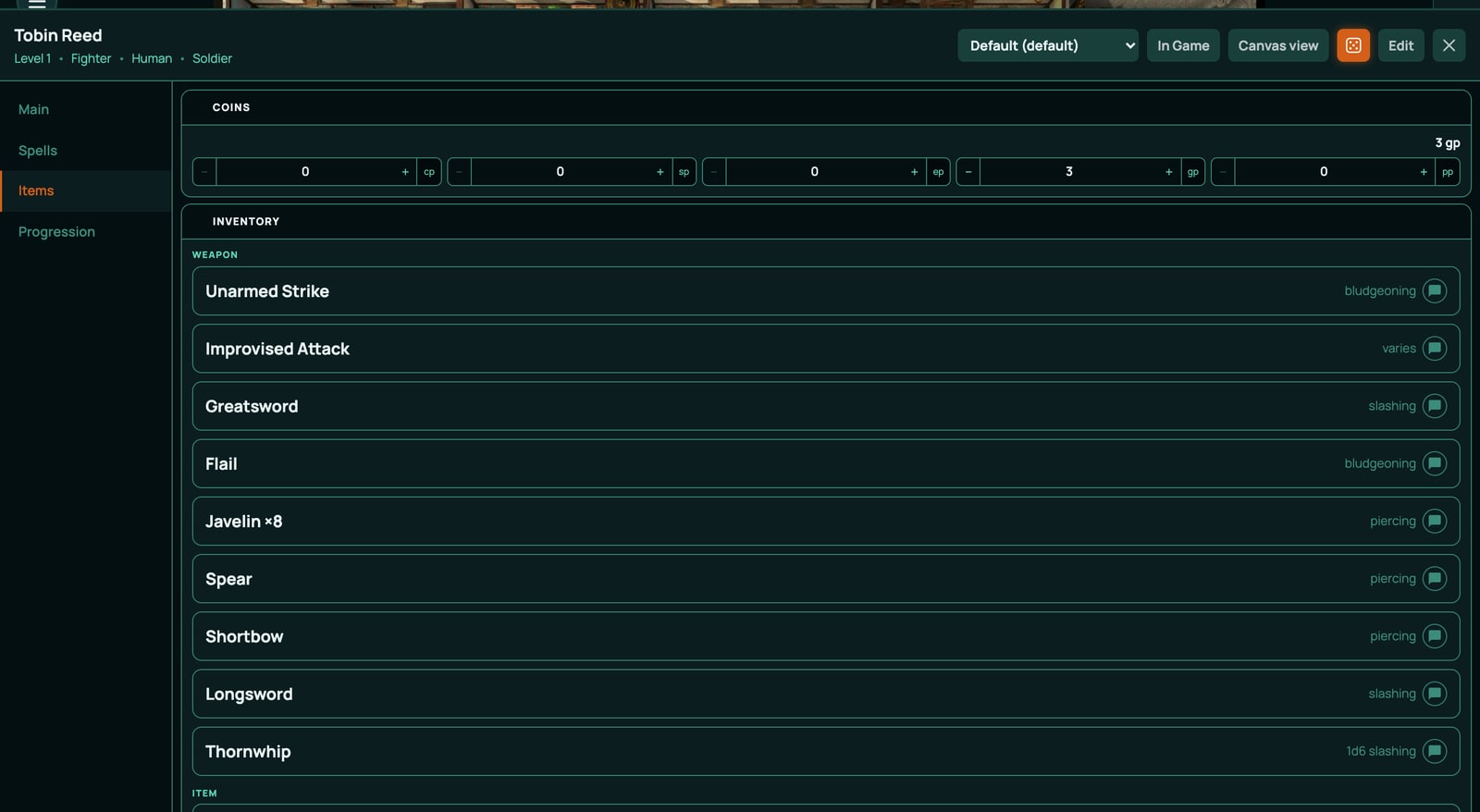
| Weapons and armour | A reach whip, a coat of scale armour, a shield, a +1 weapon that asks which weapon it is | Weapons and armour |
| Magic items and consumables | A ring that adds 1 to armour class, a sword with an extra damage die, a healing potion, a wand whose charges come back at dawn | Magic items and consumables |
| Spells | An attack spell, a spell with a saving throw and an area, a spell that grows when cast with a higher slot | Spells |
| Feats, species and backgrounds | A feat that raises an ability, a species with darkvision, a background with its own skills and feat | Feats, species and backgrounds |
| Subclasses and class features | A new cleric domain next to Life Domain, a feature added to an existing class at a level of your choice | Subclasses and class features |
| A whole new class | A class of your own with all 20 levels, its own features and its own subclass choice | A whole new class |
| Effects | What an item changes while it's on: armour class, advantage on a roll, a resistance, uses that come back after a rest | Effects |
| Choices and grants | Questions a player answers when they take an item, such as which skill, and features handed out at a set level | Choices and grants |
| Creatures | Stat blocks for monsters in your game's creature list | Creatures |
| Content for Ashfall | New gear, talents and archetypes for RollQuest's own percentile game | Build on Ashfall |
| Content for Brightline or Tidewrack | New powers, edges and gear for Brightline (d20 heroes); new callings, abilities, gear and crews for Tidewrack (d6 pool) | What your pack can refer to, and Build on Ashfall for the way of working |
| A game system of your own | A small rules system with its own numbers, rolls and character builder steps (experimental) | A game system of your own |
| Values, rolls and switches for every sheet | A Sanity score with its own roll, added to every character at the table | Put your pack on a table |
The things a character holds (weapons, armour, items, spells, feats, species, backgrounds, class features and class levels) are all one kind of row in a pack, an inventory item. Binding offers those to players. Values, rolls and switches reach sheets a different way, which Put your pack on a table explains. The pack file, field by field covers every kind of row.
A pack can also build on another of your own packs, and then use the values that pack declares. See What your pack can refer to.
What you can't build yet
- New rules vocabulary for an existing system. A pack that builds on 5e, 5.5e, Ashfall, Brightline or Tidewrack can't add a condition, a damage type, a rest button, a currency, a skill or an ability score. Those belong to the system itself. To add a condition to one game, use the Conditions library; to change the rules wholesale, see A game system of your own. A system of your own declares its own, and a pack that builds on your system uses them.
- New numbers or rolls for Ashfall characters through binding. Binding offers items only, so a new characteristic or meter for Ashfall needs a system of your own. Ashfall already has eight characteristics, and Wounds, Sanity and Corruption among its meters: see Build on Ashfall.
- Text boxes with their own HTML. RollQuest refuses them in a homebrew pack.
- Monsters whose attacks roll. A creature carries its actions as text, in a pack or in the Stat Blocks window, and nothing on a stat block rolls. Roll its attacks yourself or with a macro: see Creatures.
- Your homebrew in the built-in lists. A homebrew spell isn't added to the built-in classes' spell lists the builder offers, and a homebrew feat isn't offered by a background's feat or the level 4 feat choice. Offer them through a builder step or a choice of your own: see Spells and Feats, species and backgrounds. A whole new class of your own is different: Edit Spells and Prepare Spells list the spells your pack gives that class (see A whole new class).
- Sharing or selling homebrew. Packs stay private to you and the games you add them to. To share an adventure with other GMs, publish a content pack instead (see below).
Homebrew and the other building tools
- Calculations and values change one character sheet by hand: a value, a roll or an effect on that sheet only. Homebrew is for content you want on many sheets, in more than one game, kept up to date from one place.
- A custom item on one sheet. + Custom Weapon and + Custom Item in a sheet's Items panel make an item for that character alone (see Inventory and money). Make it homebrew when more than one character should be able to take it.
- Design a Canvas sheet and Customise a sheet layout decide how a sheet looks. Homebrew decides what's on it.
- Publish a content pack. A content pack is a different thing: a game's scenes, maps and board, to start a new game from. A homebrew pack holds rules content for character sheets. Share an adventure as a content pack; add a magic sword to your players' sheets with a homebrew pack.
Words you'll meet
| Word | What it means |
|---|---|
| Pack | One homebrew file: a name, the system it builds on, and a list of rows. |
| Row | One thing in a pack, such as one weapon or one value. Each row has a kind, such as inventoryItem. |
| Key | A row's own ID, such as WEAPON_THORNWHIP. It never changes once players have the row. |
| Slug | The pack's own ID, such as my-thornwhip. |
| Validator | RollQuest's checker. Check this pack runs it. |
| Authoring contract | The document Download the contract gives you: everything the validator accepts for one system. |
| Revision | One saved version of a pack: r1, r2 and so on. Every save makes a new one. |
| Bind | Add a pack to one game (a table in the app). |
| Pin | The revision a game is fixed to. It moves only when you move it. |
| Routing | Choosing which character builder step lists the pack's items. |
| Re-stamp | Update items already on sheets to the revision the game is pinned to. |
| Retire | Stop offering a pack anywhere, without deleting it. Its slot comes back once no character holds anything from it. |
| Remove from characters | Take what a retired pack gave the characters at your tables off them, so its slot can come back. |
| Fork | Copy rows from a pack into a new pack of your own. |
Related
Your first homebrew pack, step by step · The pack file, field by field · Put your pack on a table · When a pack is refused · Game systems